

Shared files are one of the quiet places where business technology gets messy.
At first, the setup feels simple. Staff save documents in OneDrive. Teams create channels. Departments use SharePoint sites. Files are shared with vendors, clients, and coworkers. The business moves faster because people can access what they need from more places.
Then the questions start.
Where is the latest version? Who owns this folder? Why does a former employee still appear in a permission list? Should this document be in Teams, SharePoint, OneDrive, or a local folder? Is this link safe to send outside the company? Who cleans up old files?
Microsoft 365 is powerful, but it does not organize itself. Growing businesses need practical file governance so shared data stays useful, secure, and supportable.
The goal is not to create a complicated records program. The goal is to make collaboration easier to trust.
▸ Shared Files Need Ownership, Not Just Storage

Cloud storage gives people a place to put documents. Governance explains who is responsible for those documents.
That difference matters. A shared folder may contain client records, contracts, HR files, procedures, project notes, or financial documents. If nobody owns the space, decisions become unclear. Staff may create duplicate folders. Permissions may be copied from old projects. Sensitive files may be shared more broadly than intended.
Every important Microsoft 365 file area should have a business owner. That person does not need to be technical. They simply need to know why the space exists, who should have access, and when old content should be reviewed.
IT support can help structure the environment, but ownership should connect back to the business. Finance knows finance files. Operations knows operations files. Leadership knows what needs stronger control.
When ownership is clear, support requests become easier to resolve and permission decisions become less random.
▸ Structure Matters Before Permissions
Many file problems begin with poor structure.
If the company has too many overlapping Teams, unplanned SharePoint sites, personal OneDrive folders being used for department files, and old project folders mixed with active work, permissions become harder to manage. People may ask for access to a folder without understanding what else that access includes.
Good structure starts with simple questions. Which files belong to a department? Which files belong to a client or project? Which spaces are internal only? Which need external collaboration? Which should be read-only for most staff?
The answers help determine where files should live.
OneDrive is usually best for individual working files. SharePoint is better for department or company-owned libraries. Teams can be helpful for collaboration, but the file structure behind Teams still needs care. External sharing should be intentional, not accidental.
The cleaner the structure, the easier it becomes to apply permissions that make sense.
▸ Permission Drift Is a Real Business Risk
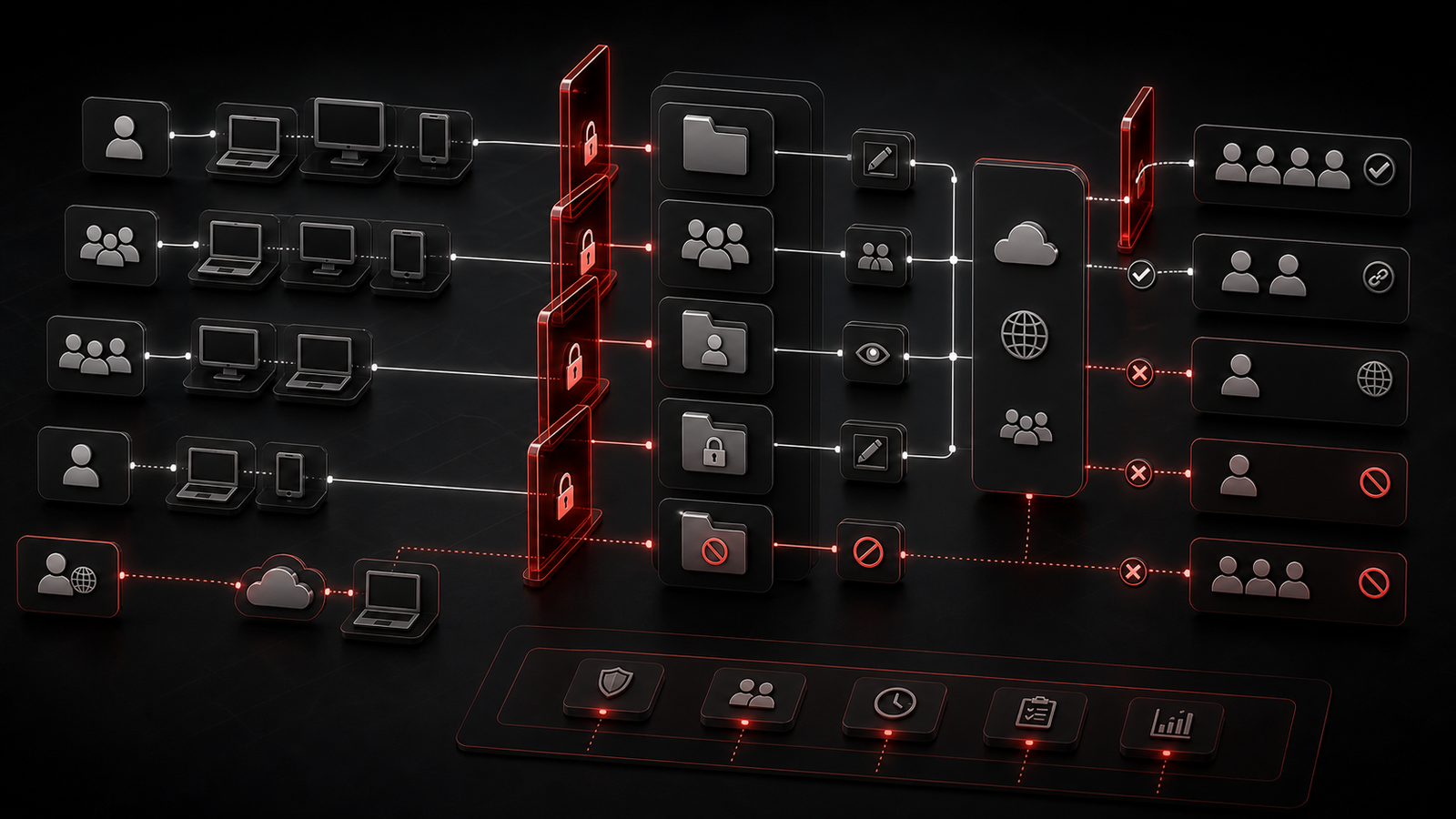
Permissions rarely become messy all at once.
They drift. A user is added for a project. A vendor gets temporary access. A manager changes departments. A staff member leaves. A link is shared broadly because it was faster in the moment. Months later, nobody is fully sure who can see what.
This is not only a cybersecurity concern. It is an operational issue.
Overly broad access can expose sensitive information. Overly restrictive access can slow the team down. Unclear guest access can make vendor collaboration harder to trust. If permissions are not reviewed, the business may rely on assumptions instead of visibility.
Microsoft 365 file governance should include access reviews for important libraries, clear standards for external sharing, and a clean process for onboarding and offboarding users.
The best approach is practical. Start with the areas that matter most: finance, HR, leadership, client files, contracts, and operational documents the business depends on.
▸ External Sharing Should Have Clear Rules
External sharing is useful when it is controlled.
Businesses often need to collaborate with accountants, lawyers, consultants, clients, suppliers, contractors, and software vendors. Microsoft 365 can support that, but the rules should be clear before staff start sharing links in different ways.
Owners should decide when external sharing is acceptable, who can approve it, what type of files should never be shared broadly, and how access will be removed when the work is finished.
Simple standards can prevent confusion. For example, a business may allow vendor collaboration in specific project spaces while keeping HR or finance libraries restricted. It may require named guest access instead of anonymous links. It may review external access on a regular schedule.
The point is not to stop collaboration. The point is to make collaboration visible and controlled.
▸ Make Review and Cleanup Part of the Rhythm
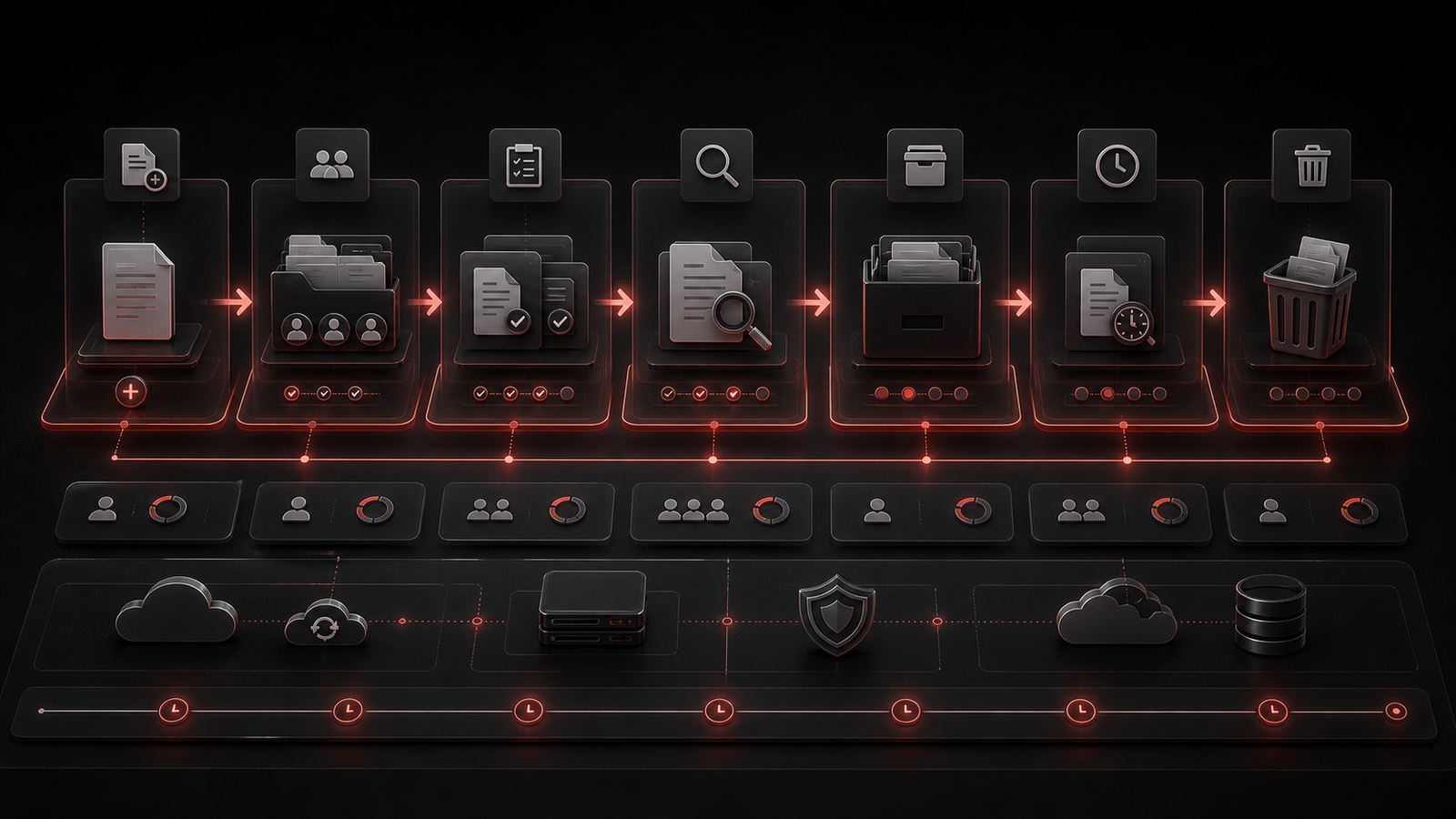
File governance works best when it becomes routine.
Old files, stale permissions, unused Teams, inactive SharePoint sites, and forgotten guest accounts can all build up quietly. If the business only reviews them during a problem, cleanup becomes stressful and incomplete.
A better rhythm is steady and light. Review important libraries quarterly or semi-annually. Confirm owners. Check external access. Remove users who no longer need visibility. Archive old project spaces. Decide what should be retained and what can be cleaned up.
This also helps with continuity. If a key employee leaves, the company should know where important files live and who can manage them. If an incident or audit question appears, the business should not have to rebuild its file structure from memory.
Good cleanup is not glamorous, but it protects productivity.
▸ How Red Shield IT Helps Improve Microsoft 365 File Governance
Red Shield IT helps businesses bring more structure to Microsoft 365 without making daily work feel heavy.
That can include reviewing SharePoint and Teams structure, cleaning up permissions, improving onboarding and offboarding workflows, checking external sharing settings, clarifying ownership, and helping leadership understand where shared data needs stronger control.
For small and growing businesses, the most useful improvements are often practical. Create clearer libraries. Reduce duplicate spaces. Review sensitive folders. Standardize how staff request access. Keep former users out of active file areas. Make external sharing easier to understand.
File governance also connects with broader managed IT and cybersecurity support. Microsoft 365, identity, devices, backup readiness, documentation, and user support all affect how well business data is protected and maintained.
When those pieces work together, shared files become less chaotic and easier to support.
▸ Final Thoughts
Microsoft 365 can be a strong collaboration platform, but only when the business gives it structure.
Shared files need ownership, sensible libraries, controlled permissions, external sharing rules, and regular review. Without those habits, teams can end up with duplicate documents, unclear access, old guest accounts, and sensitive data in places nobody is watching.
The fix does not need to be complicated. Start with the file areas that matter most. Clarify who owns them. Clean up obvious duplication. Review access. Standardize external sharing. Build a simple cleanup rhythm.
Over time, those habits make Microsoft 365 easier to trust. Staff find what they need faster. Owners understand where important data lives. Support has a clearer environment to maintain.
That is what good file governance should do: reduce confusion, protect business information, and help collaboration stay useful as the company grows.