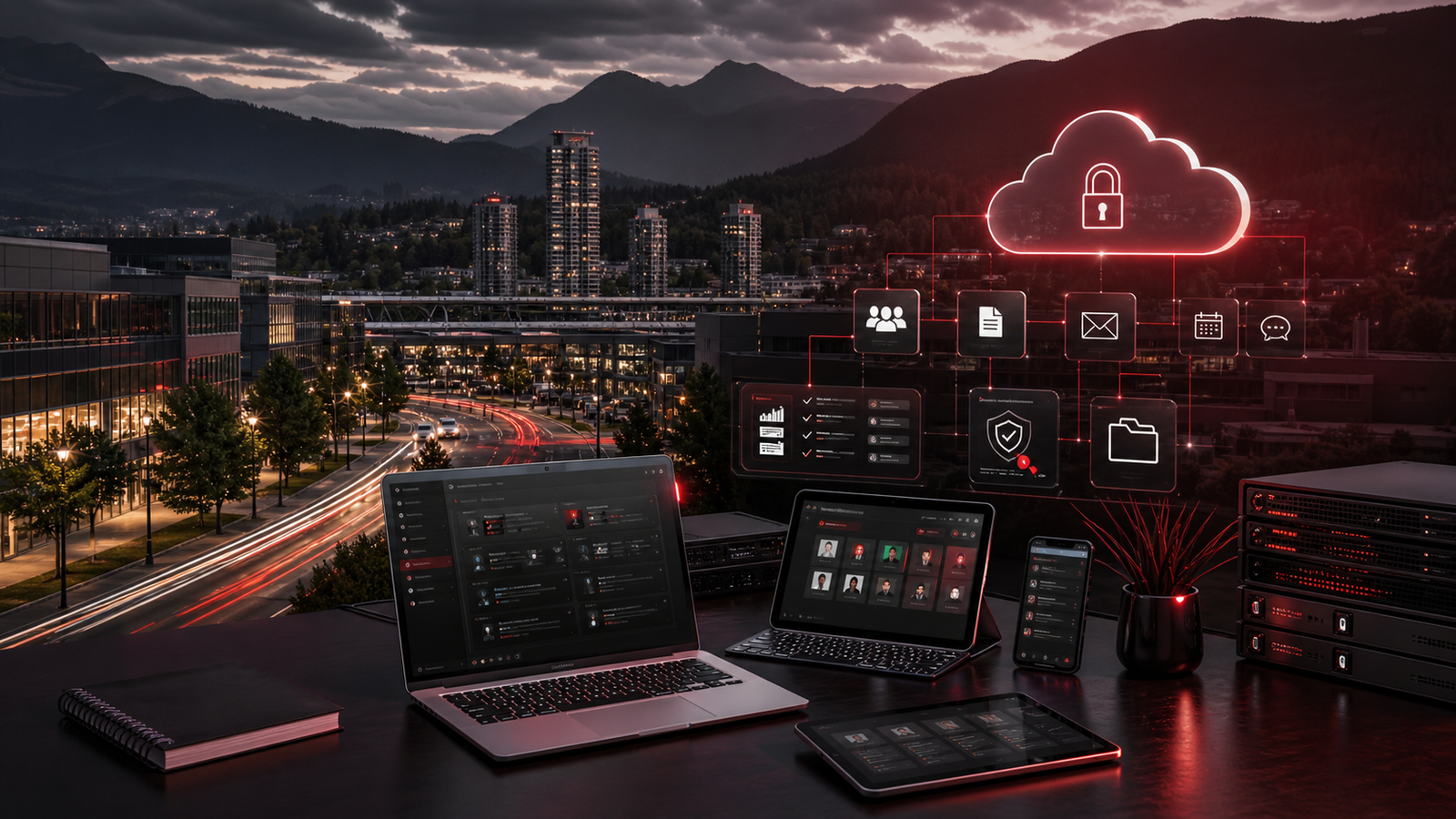
Small businesses across Canada often need dependable IT support without waiting for every issue to become an onsite visit. Remote IT support can be a strong fit when the provider has the right structure, tools, communication habits, and security standards. It should not feel like a distant help desk that only reacts when something breaks. It should feel like a managed support relationship with clear ownership.
For owners and operations leaders, the question is not simply whether remote support is possible. Most daily IT work can be reviewed, diagnosed, improved, or coordinated remotely. The better question is whether the support model is mature enough to handle users, devices, Microsoft 365, cloud applications, security controls, backups, vendors, and planning in a way that keeps the business stable.
Red Shield IT works with businesses that want responsive support, clearer documentation, and practical guidance without unnecessary technical complexity. For many teams, remote support is part of that model because it allows faster response, cleaner visibility, and more consistent follow-through.
▸ Remote support should feel organized, not distant
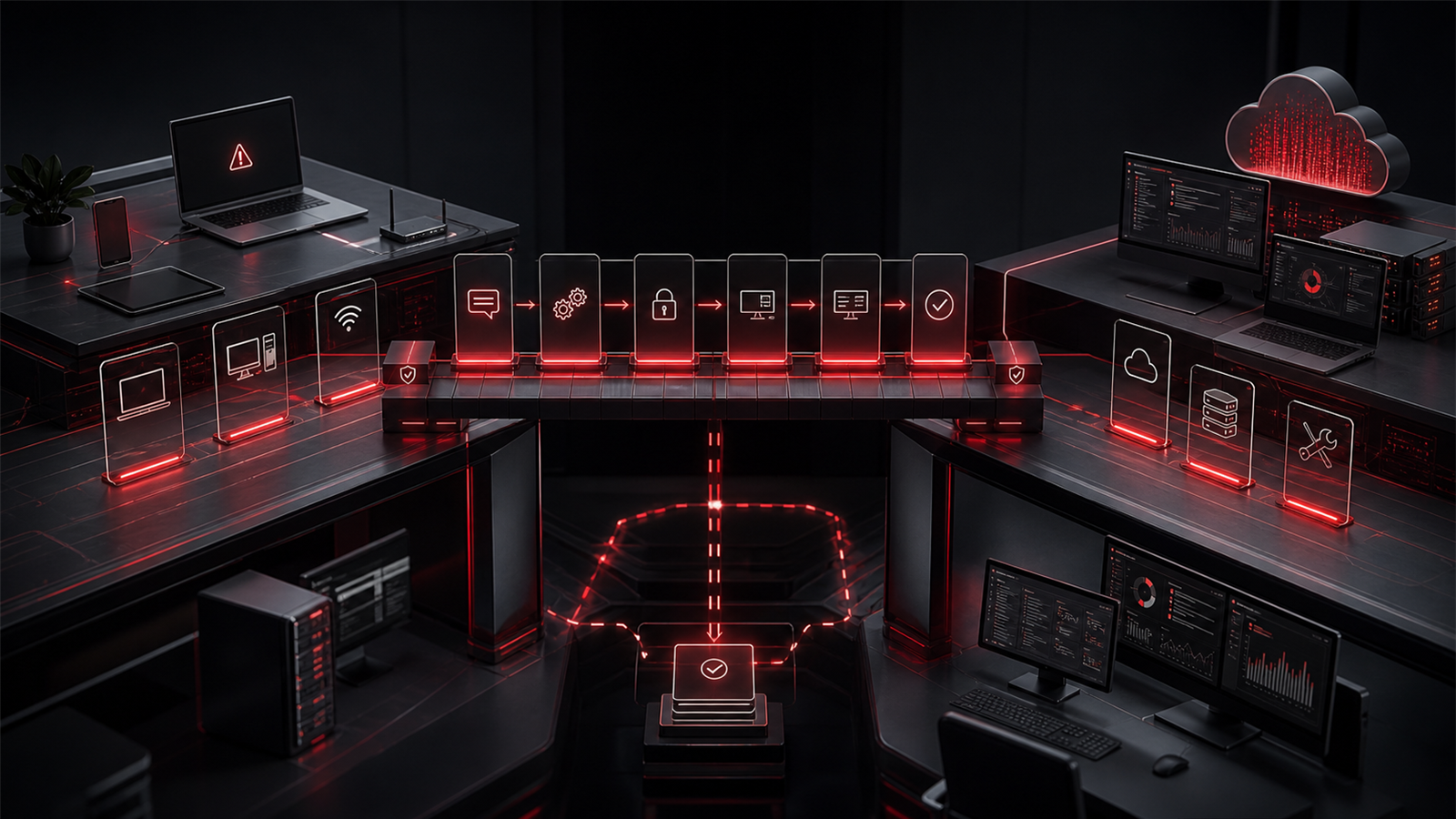
The biggest concern many businesses have about remote IT support is whether they will feel ignored or passed around. That concern is valid when support is built around ticket volume instead of ownership. Reliable remote support should include clear intake, triage, communication, escalation, and resolution tracking.
When a staff member asks for help, they should know how to submit the issue, what information to include, and what happens next. Leadership should have confidence that recurring problems are not being treated as isolated events forever. The provider should be able to explain what was fixed, what still needs attention, and whether a deeper change would prevent the issue from returning.
Remote support is not just a screen-sharing session. It is a service rhythm. The business should see structured communication, documented work, and recommendations that connect daily support to operational improvement.
▸ Start with clear issue intake and ownership
Good support starts before the technician touches the device. A clear intake process helps staff report issues quickly and gives the support team enough context to respond effectively. That may include the affected user, device, application, urgency, screenshots, recent changes, and whether the issue is affecting one person or the wider team.
Ownership matters just as much as intake. Small businesses do not want to hear that a ticket was closed if the problem is still disrupting work. They need a provider that tracks the issue through resolution, coordinates with vendors when needed, and communicates next steps in plain language.
This is where managed IT support is different from casual troubleshooting. The provider should be looking for patterns. Are several users experiencing the same Microsoft 365 issue? Is one device repeatedly causing downtime? Is a line-of-business application unstable after updates? Remote support becomes more valuable when it turns repeated friction into a clearer improvement plan.
▸ Secure remote access matters
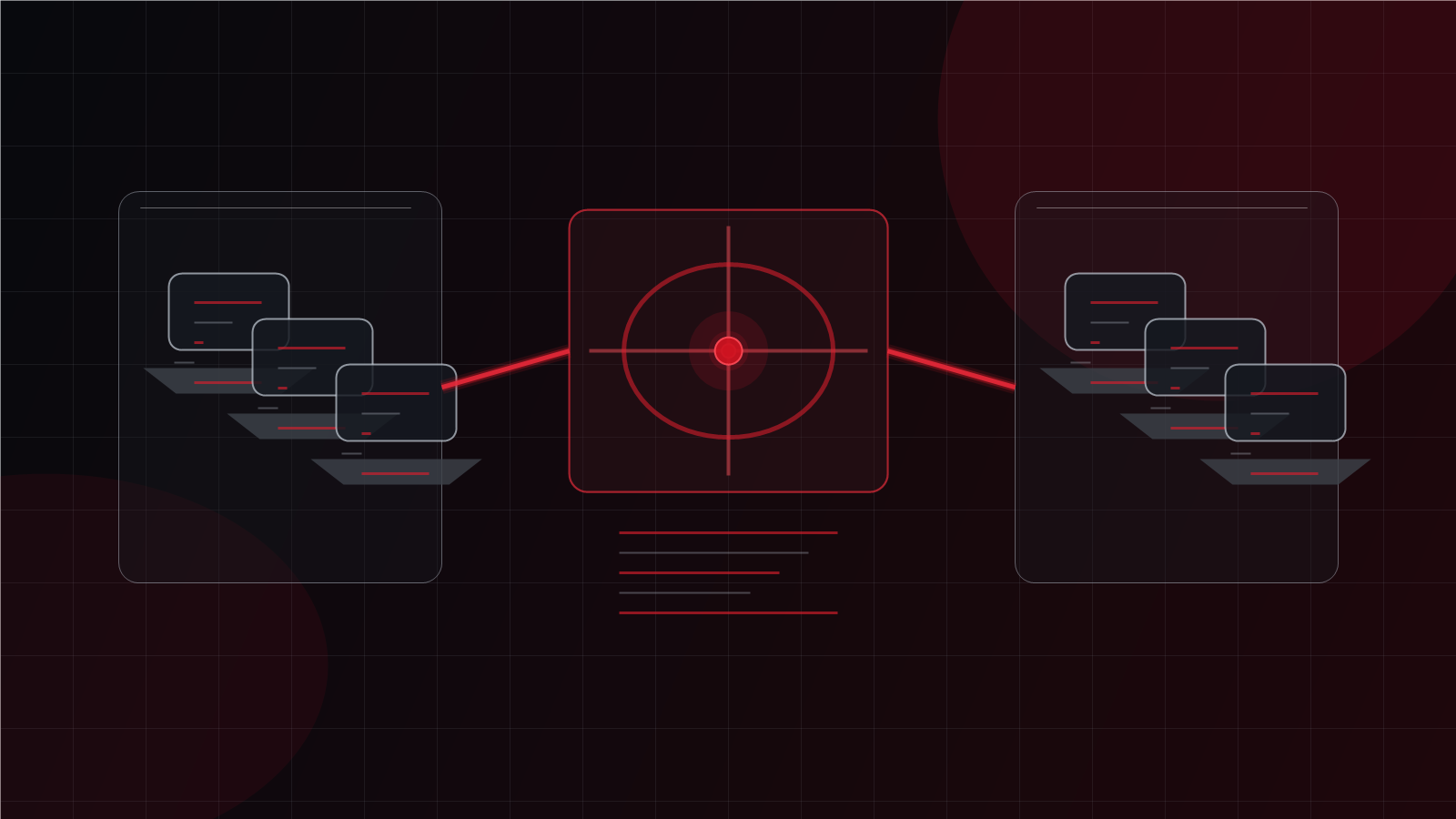
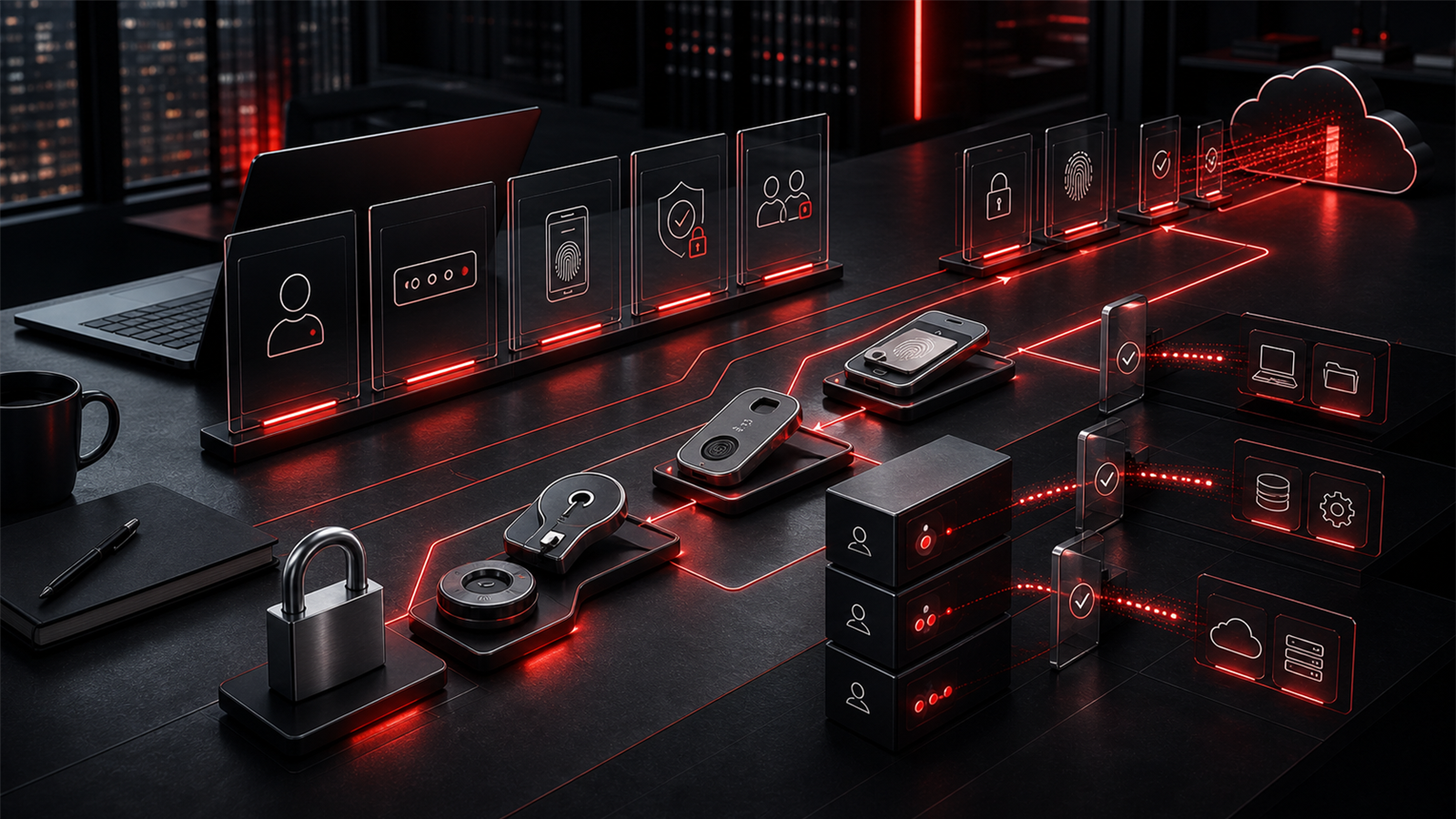
Remote support depends on secure access. The provider may need to view a screen, manage a device, adjust settings, review logs, or help a user through a workflow. That access should be controlled, documented, and limited to legitimate support needs.
Business owners should ask how remote sessions are approved, how technician access is managed, whether administrative credentials are separated, and how support activity is tracked. These questions are not excessive. They are basic trust questions for any provider that can reach business systems remotely.
Secure remote support also includes identity practices such as MFA, user verification, and sensible handling of privileged access. The goal is to make remote help efficient without creating unnecessary risk. If support access feels informal or poorly documented, the business should treat that as a signal to review the model.
▸ Microsoft 365 and cloud administration need daily care
For many small businesses, Microsoft 365 is where daily work happens. Email, calendars, shared files, Teams-style collaboration, user accounts, device access, and permissions all sit close to operations. Remote IT support should include practical administration of that environment, not just password resets.
Useful support may include onboarding and offboarding users, reviewing permissions, adjusting licensing, improving mailbox or file access, supporting collaboration issues, and helping staff work through common cloud problems. It should also include attention to security settings, MFA consistency, and account hygiene.
Cloud applications need similar care. As businesses add tools, they also add logins, permissions, billing decisions, integrations, and support dependencies. Remote managed IT should help leadership understand where cloud administration is clean, where it is drifting, and where the business needs stronger process.
▸ Device visibility keeps support proactive
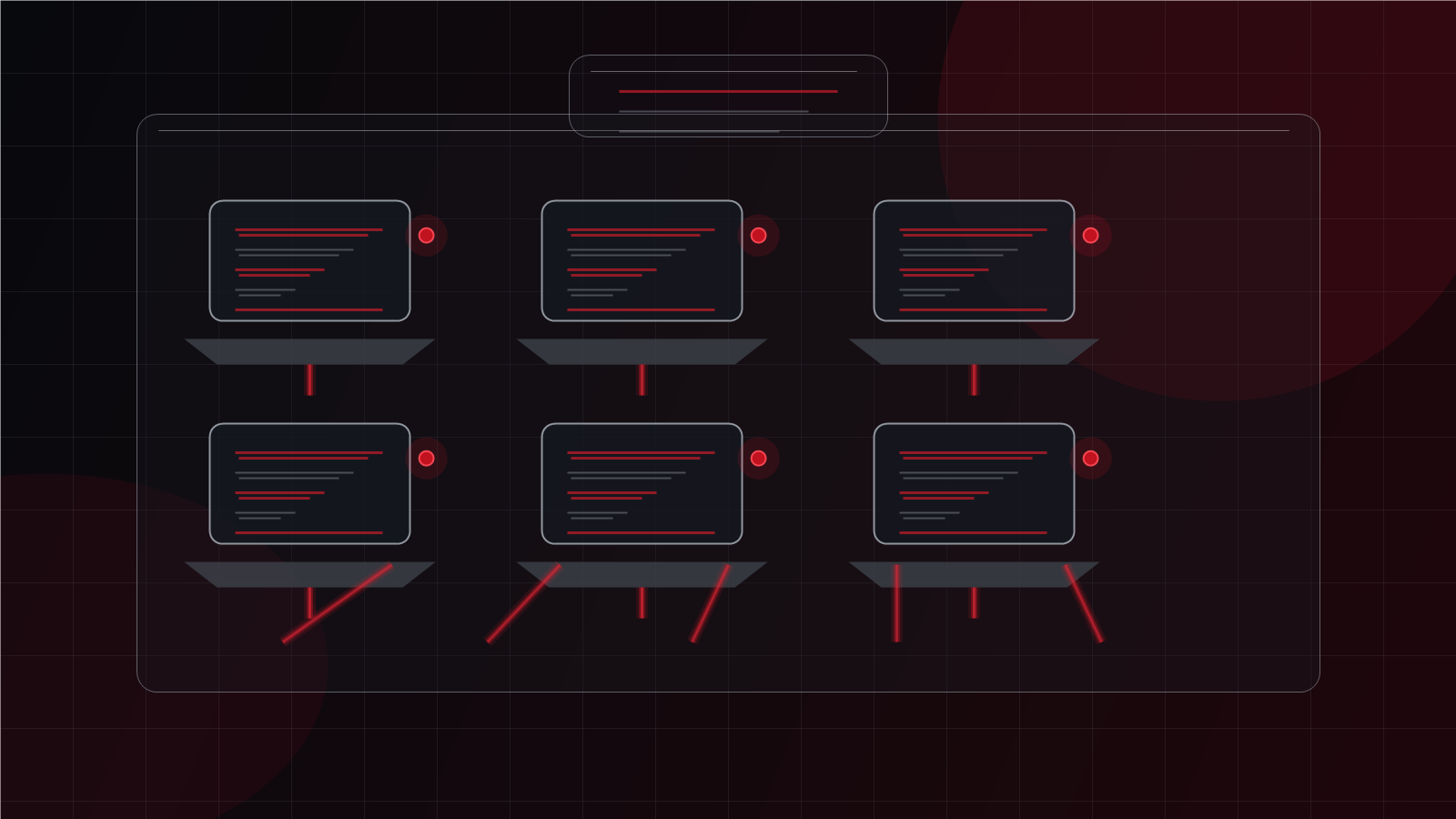
Even when support is remote, the provider still needs visibility into endpoints. Laptops, desktops, tablets, and sometimes phones affect the daily employee experience. If the support partner cannot see device health, patch status, security posture, or recurring device issues, they will be forced to operate reactively.
Device visibility helps with faster troubleshooting, but it also supports planning. It can show when hardware is aging, when updates are failing, when endpoint protection needs attention, or when a device is creating repeated support demand. That information helps owners make better decisions about replacement timing and budget.
Remote does not mean hands-off. A strong managed IT provider should still care about device standards, lifecycle planning, endpoint security, and the practical details that keep staff productive.
▸ Cybersecurity and backups still need attention
Remote IT support should not separate day-to-day help from cybersecurity. Support decisions affect access, endpoint protection, email safety, backup readiness, and incident response. If a provider only fixes user issues and ignores risk, the business may miss important warning signs.
Owners should expect practical security guidance built into support. That can include MFA review, endpoint protection oversight, phishing reporting workflows, permission cleanup, backup success review, and documented recovery expectations. The focus should be understandable and operational, not fear-based.
Backups deserve special attention because having a backup tool is not the same as knowing recovery will work. A remote provider should help clarify what is protected, who can access recovery tools, how restoration would be handled, and what the business should prioritize if a system fails.
▸ Choose a partner that can support growth
The right remote IT support partner should help the business mature over time. Early conversations may focus on urgent pain points, but the relationship should develop into better documentation, clearer standards, stronger security habits, and more useful planning.
That includes strategic guidance. Small businesses need help deciding what to improve first, where technology spend is justified, when devices should be replaced, how cloud systems should be managed, and how support should adapt as the team grows. Remote support can deliver that value when it is built on visibility and communication.
Red Shield IT positions remote support as part of a wider managed IT relationship. The objective is not just to connect to a device and close a ticket. It is to help the business operate with fewer surprises, clearer accountability, and more confidence in the systems staff depend on every day.