

Small businesses in Coquitlam rely on technology for almost every part of daily work: email, scheduling, accounting systems, client communication, phones, cloud files, line-of-business applications, security tools, and remote access. When those systems are stable, staff can focus. When they are inconsistent, even small issues can slow the whole business down.
That is why many companies search for IT support, managed IT support, or managed IT services before they are ready to hire a full internal IT team. They need someone who can respond when issues happen, but they also need better structure around devices, users, Microsoft 365, cybersecurity, backups, vendors, and planning.
Reliable small business IT support should not feel like a random collection of fixes. It should feel like an accountable support relationship. Red Shield IT works with that mindset for Canadian businesses that want clear communication, practical security, and stronger day-to-day technology discipline.
▸Why Coquitlam businesses look for structured IT support
Many small businesses start with informal support. A staff member knows a bit about computers. A vendor helps with one system. A friend or contractor solves urgent problems. That can work for a while, but it often becomes stressful as the business grows.
Coquitlam businesses may have hybrid teams, staff working across multiple locations, service crews in the field, office staff using cloud systems, or leadership trying to control costs while keeping operations dependable. In that environment, informal support can leave gaps. No one owns documentation. User changes are handled differently each time. Microsoft 365 settings drift. Devices age without a lifecycle plan. Security controls are present, but not consistently reviewed.
Structured IT support creates a clearer model. Staff know where to go for help. Leadership knows who owns follow-through. The provider understands the environment instead of starting from scratch with every ticket. That is the difference between one-off troubleshooting and managed IT support.
▸Managed IT support should cover more than urgent tickets
Fast response matters, but daily IT support is only one part of a stronger managed IT relationship. A dependable provider should help with user issues, workstation problems, printers, applications, cloud account access, device health, patch coordination, vendor escalation, and documentation.
The goal is to reduce friction, not just close tickets. If the same issue keeps returning, managed IT support should help identify why. If staff are waiting too long for answers, the communication process may need improvement. If device problems keep interrupting work, endpoint standards may need attention. If vendors are pointing fingers at each other, someone needs to coordinate the next step.
Small business IT support becomes more valuable when it connects everyday requests to operational improvement. A support ticket can reveal a training gap, a permissions issue, an aging device, a weak workflow, or a system that needs better ownership. Managed IT services should help the business see those patterns.
▸Microsoft 365 support needs clear ownership
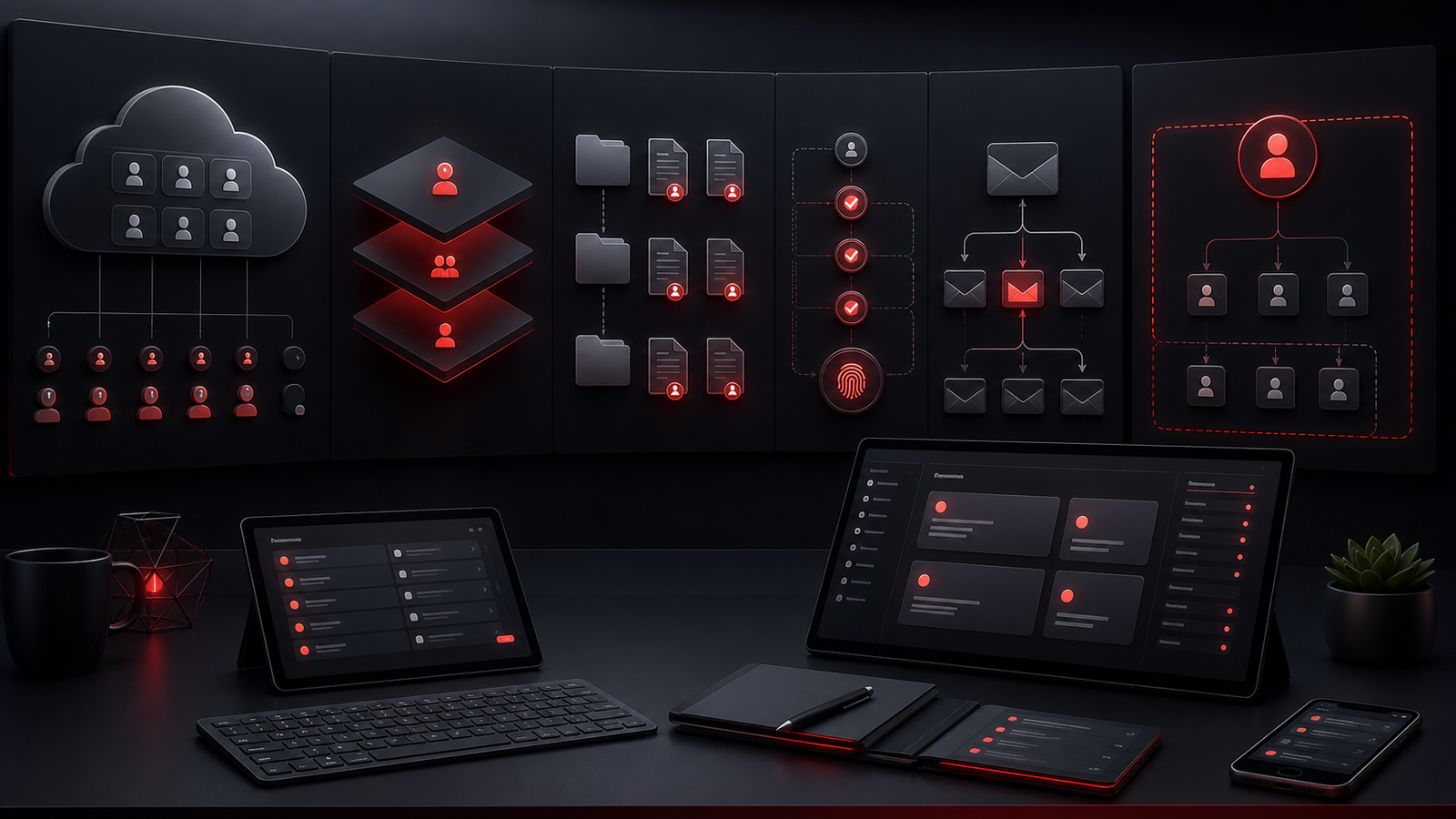
For many Coquitlam businesses, Microsoft 365 is the operating backbone. Email, calendars, shared files, Teams-style communication, user accounts, security settings, and licensing decisions all affect daily work. If Microsoft 365 is not managed carefully, small issues can become messy quickly.
Good Microsoft 365 support for small business should include user onboarding, offboarding, license review, mailbox support, permission management, MFA guidance, collaboration setup, and practical security hygiene. It should also include documentation so the business understands how accounts, groups, shared files, and admin access are handled.
Ownership is especially important when staff change roles or leave the company. Access needs to be removed or adjusted promptly. Shared mailboxes and file permissions should be reviewed. Devices and remote access should be considered. Without a consistent process, Microsoft 365 can become harder to secure and harder to support.
Managed IT support should make Microsoft 365 feel more controlled, not more confusing.
▸Cybersecurity belongs inside everyday IT support
Cybersecurity services for small business do not need to be dramatic to be valuable. The practical controls matter: MFA, endpoint protection, device updates, access review, backup readiness, safer email practices, admin account discipline, and clear reporting when something seems suspicious.
For small businesses, security works best when it is built into normal support. If a new user is created, MFA should be part of the process. If a device is onboarded, endpoint protection and patching should be considered. If a staff member reports a suspicious email, the response should be clear and calm. If an account has unusual activity, someone should know how to review it.
This is where managed IT services and cybersecurity overlap. A provider that understands the support environment can make safer decisions in context. The business does not need fear-based messaging. It needs practical controls, better visibility, and guidance that fits how the team actually works.
Red Shield IT positions cybersecurity as part of operational discipline, not a separate scare tactic.
▸Local BC IT support should still feel documented and responsive
Local BC IT support is not only about being nearby. It is about understanding the expectations of businesses across the Lower Mainland and Fraser Valley: clear communication, responsive service, practical recommendations, and support that does not disappear after the first reply.
For a Coquitlam business, many issues can be handled remotely, especially Microsoft 365 administration, account changes, device troubleshooting, cloud support, security review, and vendor coordination. When onsite support or local context is needed, it helps to work with a provider that understands the region and can communicate clearly around next steps.
Documentation is a major part of that experience. A provider should understand the business environment, not rely on memory. Device records, account notes, vendor contacts, network details, support history, and key system information all help support become faster and more reliable over time.
Responsive support is not just speed. It is also clarity, ownership, and follow-through.
▸What to ask before choosing a managed IT services provider
Before choosing an IT support partner, small business owners should ask practical questions. What is included in managed IT support? How are support requests handled? Who owns vendor coordination? How is Microsoft 365 managed? Are cybersecurity controls reviewed as part of support? How are devices tracked? How are backups checked? What documentation is created? How does the provider communicate when an issue is not resolved immediately?
The answers reveal whether the provider is mostly reactive or whether they can help build a steadier operating model. A good provider should be able to explain support in plain language and connect recommendations to business outcomes: fewer recurring issues, better security hygiene, clearer accountability, improved staff experience, and stronger planning.
It also helps to ask how the provider supports growth. A business may only need basic help today, but over time it may need better onboarding, device lifecycle planning, cloud cleanup, network improvement, backup review, cybersecurity guidance, and leadership advice. Managed IT support should be able to grow with that need.
▸How Red Shield IT supports growing BC businesses
Red Shield IT helps businesses in BC and across Canada with managed IT support, cybersecurity, Microsoft 365 administration, business continuity planning, and practical technology guidance. The focus is on dependable support, clear communication, and recommendations that make sense for business owners rather than technical specialists.
For Coquitlam small businesses, the right next step is often a support review. What is working today? Where do staff lose time? Which systems need better ownership? Are Microsoft 365, endpoint protection, backups, and access controls being managed consistently? What issues keep repeating?
Those questions help turn IT support from a break-fix expense into a more mature support relationship. With the right structure, small business IT support can reduce daily friction, improve security confidence, and give leadership clearer direction on what to improve next.