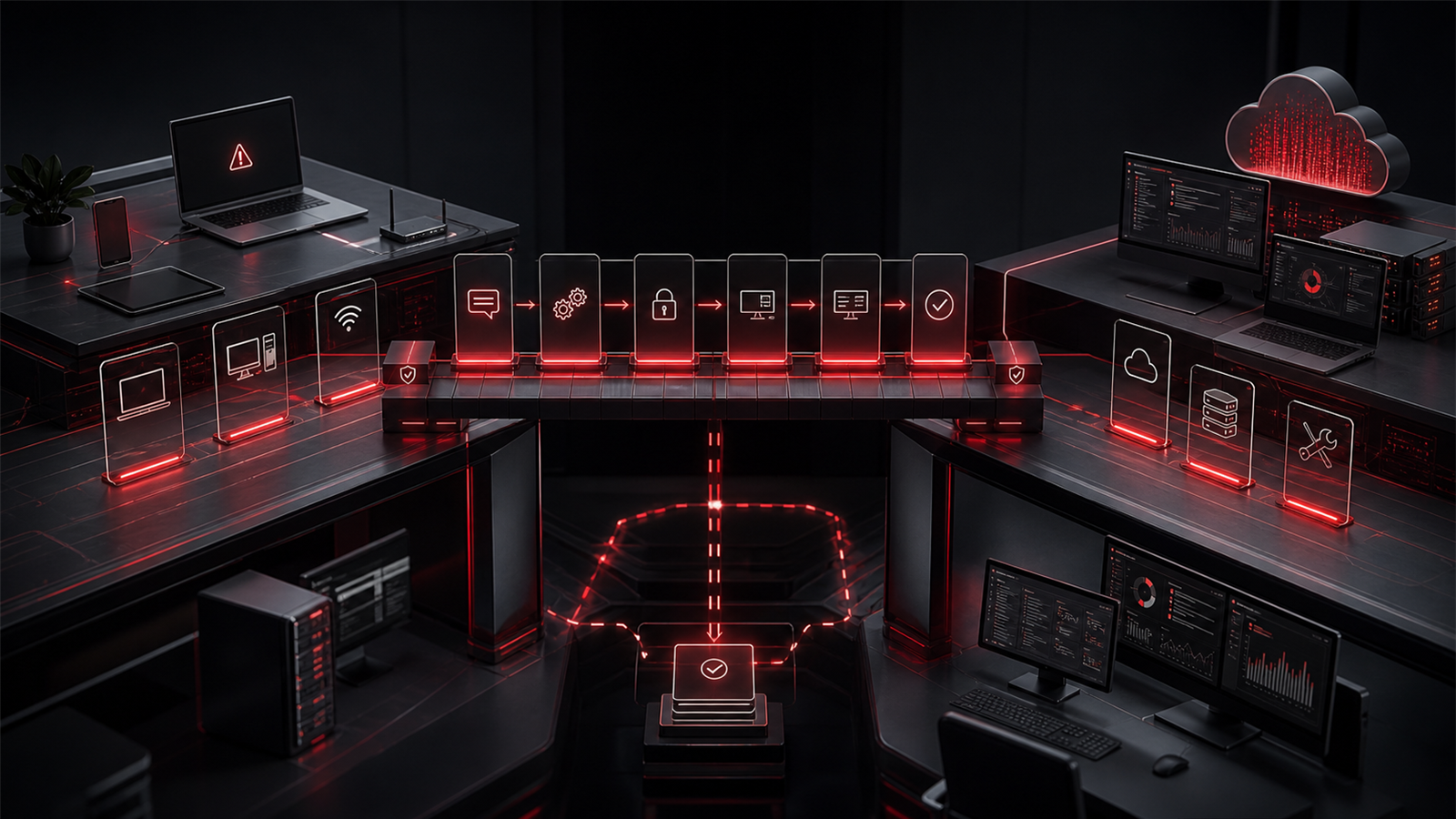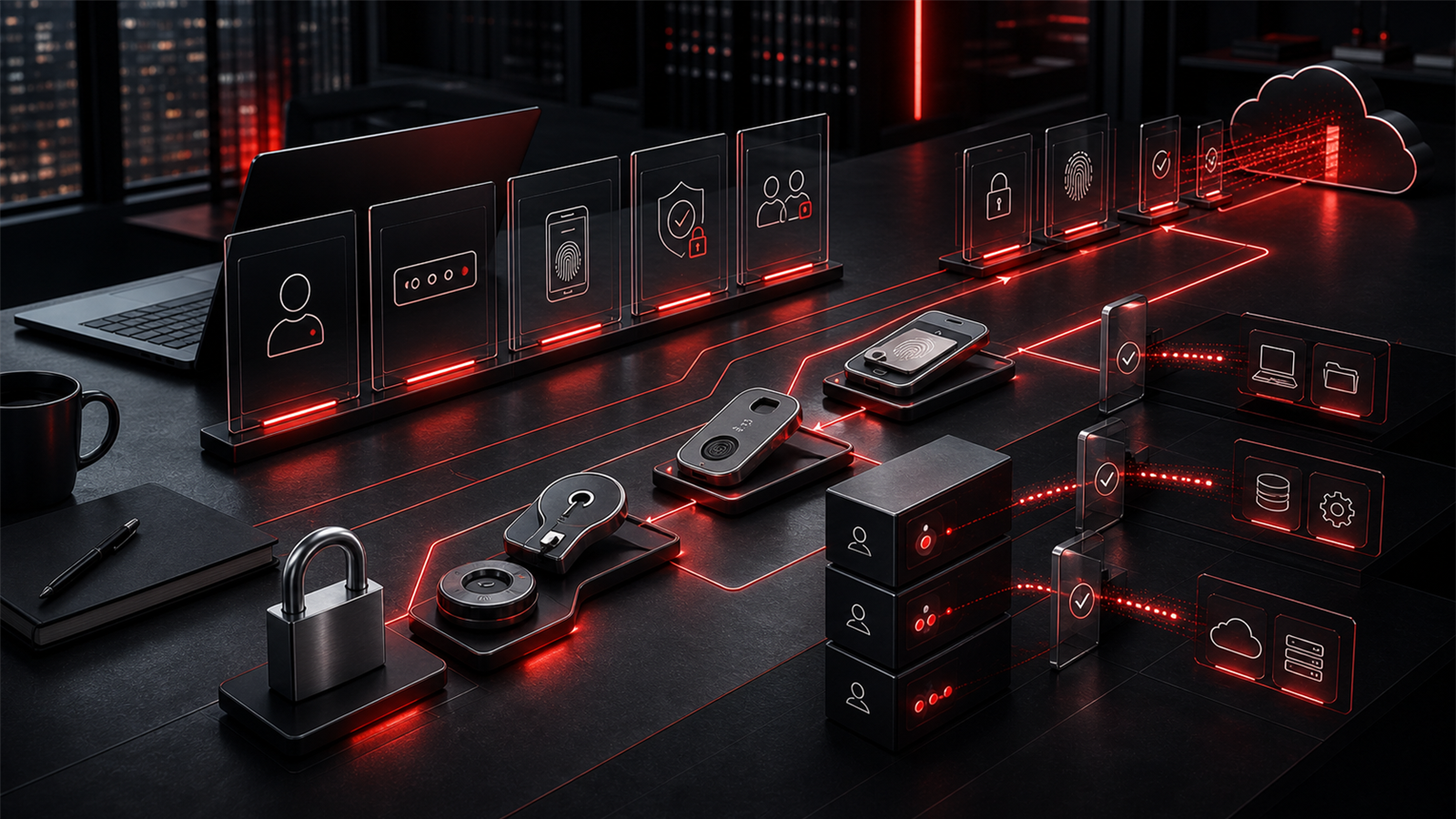
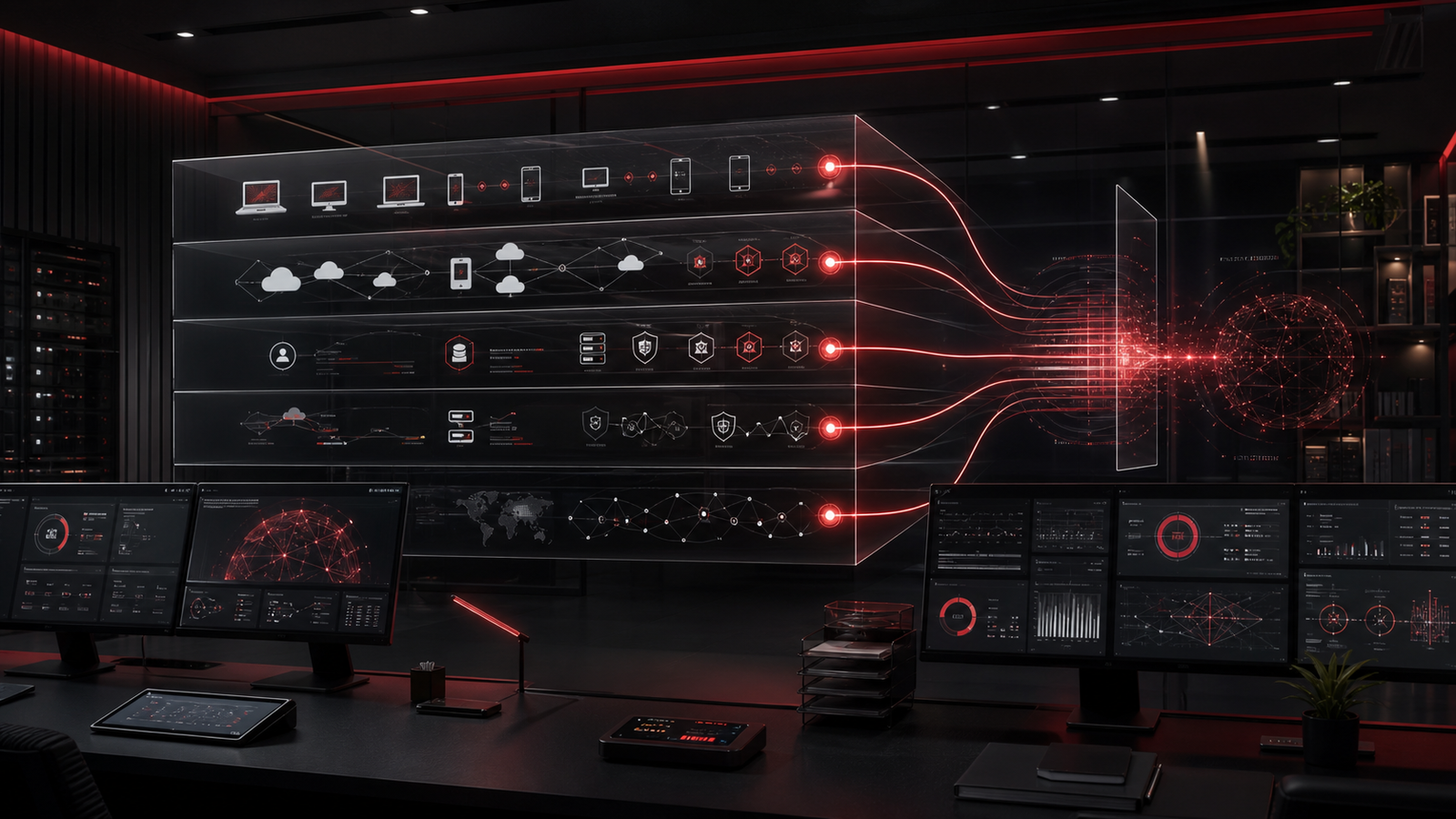
Many businesses hear the word monitoring and picture a wall of technical alerts. Servers, laptops, cloud accounts, backups, firewalls, inboxes, and applications all produce signals. Some of those signals matter immediately. Some matter only when they repeat. Some are background noise that can distract people from the issues that actually affect the business.
For a growing company, the value is not the number of alerts being collected. The value is whether the right people understand what the signals mean, whether someone owns the follow-up, and whether recurring issues lead to better decisions. Monitoring should not feel like a noisy technical feature. It should become a practical operating layer that helps leadership reduce disruption, protect important systems, and plan with more confidence.
Red Shield IT looks at monitoring through that business lens. The point is not to overwhelm owners with technical dashboards. The point is to create clearer visibility into the systems people rely on every day, then connect that visibility to action.
▸Monitoring is only valuable when someone owns the signal
An alert without ownership is just a message. It might appear in a portal, email inbox, ticket queue, security tool, backup platform, or network dashboard, but unless someone knows what to do next, the alert does not improve the business.
Ownership means more than seeing the notification. It means knowing whether the issue is urgent, who should be contacted, what system is affected, what the likely business impact is, and whether the alert is part of a larger pattern. A device that fails an update once may not be a crisis. A group of devices failing updates repeatedly may point to a standardization problem. A single risky sign-in may need review. Repeated risky sign-ins may indicate a deeper access or training issue.
This is why monitoring should be connected to support process. Alerts need triage, context, documentation, and follow-through. Without that structure, businesses can collect more data while still feeling reactive.
▸Separate urgent alerts from operational noise
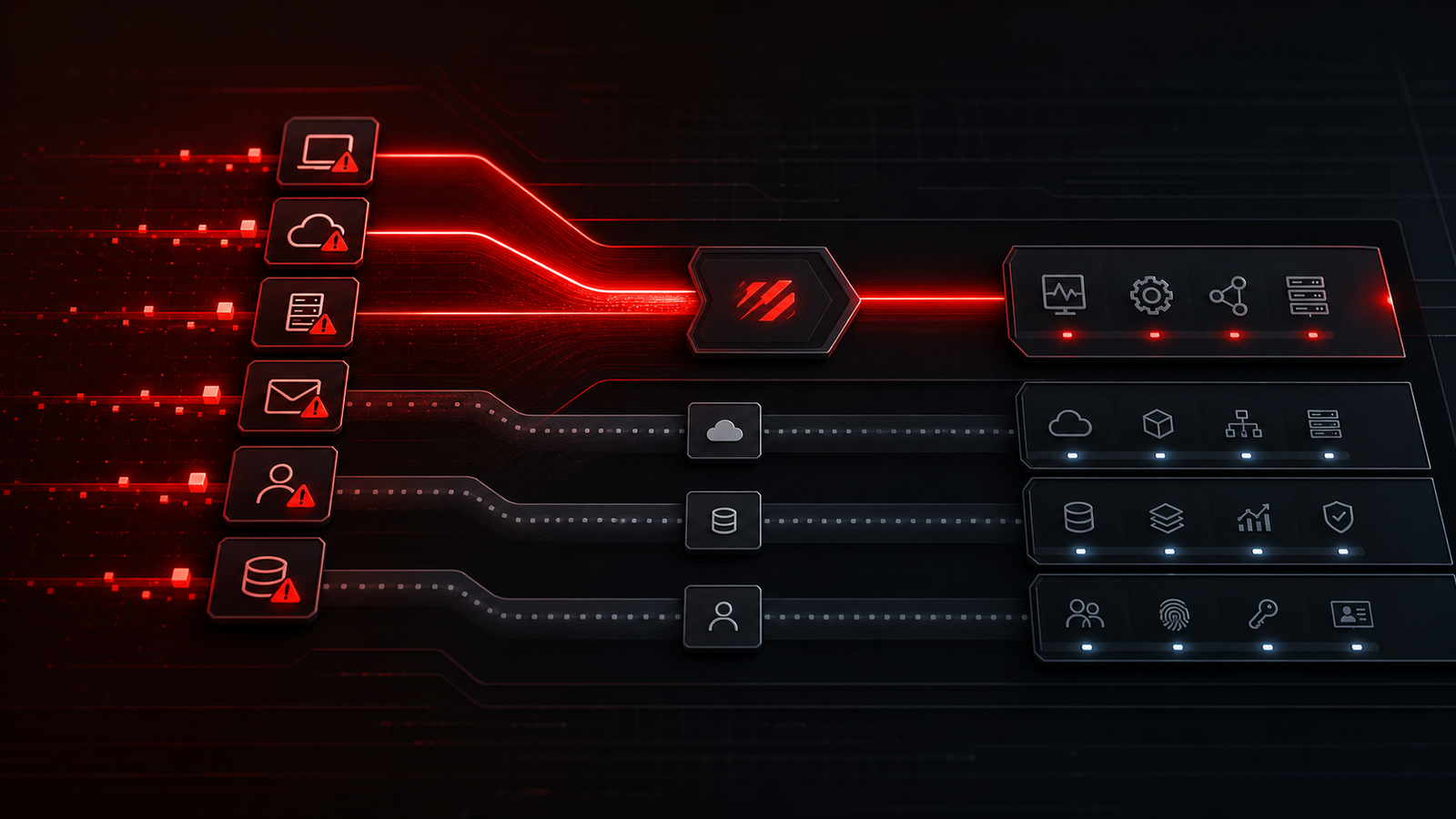
Not every alert deserves the same response. Some signals need fast attention because they may affect security, uptime, access, or recovery. Others should be reviewed in batches because they show drift, aging equipment, configuration gaps, or support patterns. A mature monitoring approach separates urgent response from operational improvement.
The better approach is to define alert categories. Security-relevant events, failed backups, unavailable systems, suspicious account activity, and major device health issues may require direct follow-up. Licensing drift, patch exceptions, repeated printer issues, unstable Wi-Fi, and aging hardware may belong in a review rhythm. Both matter, but they do not need the same level of urgency.
Good monitoring makes response calmer. It helps the business know what needs immediate action and what should become part of planning.
▸Watch the systems that affect daily productivity
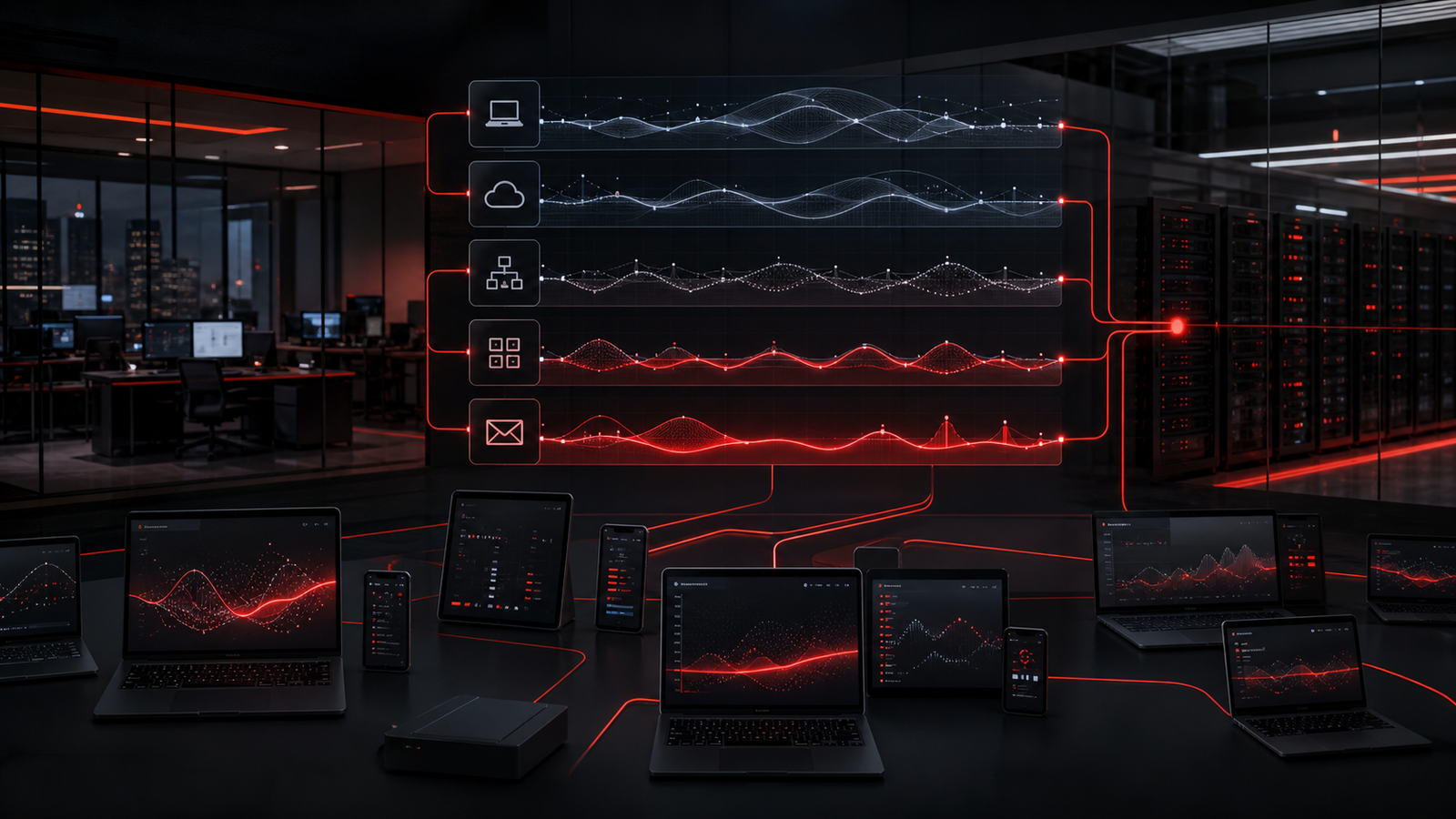
The most useful monitoring is tied to the systems staff actually depend on. For many small and growing businesses, that includes workstations, Microsoft 365, email, file access, network equipment, internet connectivity, remote access, endpoint protection, backups, and line-of-business applications.
When these systems are watched in isolation, the business may miss the bigger picture. A user complaining about slow work may be experiencing an endpoint issue, a network issue, a cloud access issue, or a line-of-business application problem. Monitoring should help support teams connect those signals faster instead of treating every symptom as a separate mystery.
Device health is a good example. A laptop with repeated update failures, low storage, poor performance, or security tool issues can quietly reduce productivity before it becomes an obvious outage. Network monitoring can reveal unstable connectivity that staff may have been working around for weeks. Backup monitoring can expose jobs that appear to exist but are not completing cleanly.
▸ Make Microsoft 365 and identity signals part of the picture
Microsoft 365 often sits at the center of business operations. Email, calendars, Teams-style collaboration, file sharing, user accounts, permissions, and administrative controls all shape daily work. Monitoring that ignores identity and cloud activity can leave a large part of the operating environment out of view.
Practical signals may include unusual sign-in activity, MFA issues, admin account changes, mailbox rule concerns, inactive accounts, license drift, guest access, risky sharing behavior, and permission patterns that deserve review. The goal is not to turn every cloud event into an emergency. The goal is to keep the environment from drifting beyond what the business understands.
This is especially important as companies grow. New users are added. Roles change. Former staff leave. Vendors need access. Teams create new file locations. Without regular review, Microsoft 365 can become harder to support and harder to secure. Monitoring and review rhythms help keep access, licensing, and collaboration more controlled.
▸Connect monitoring to backup and continuity confidence
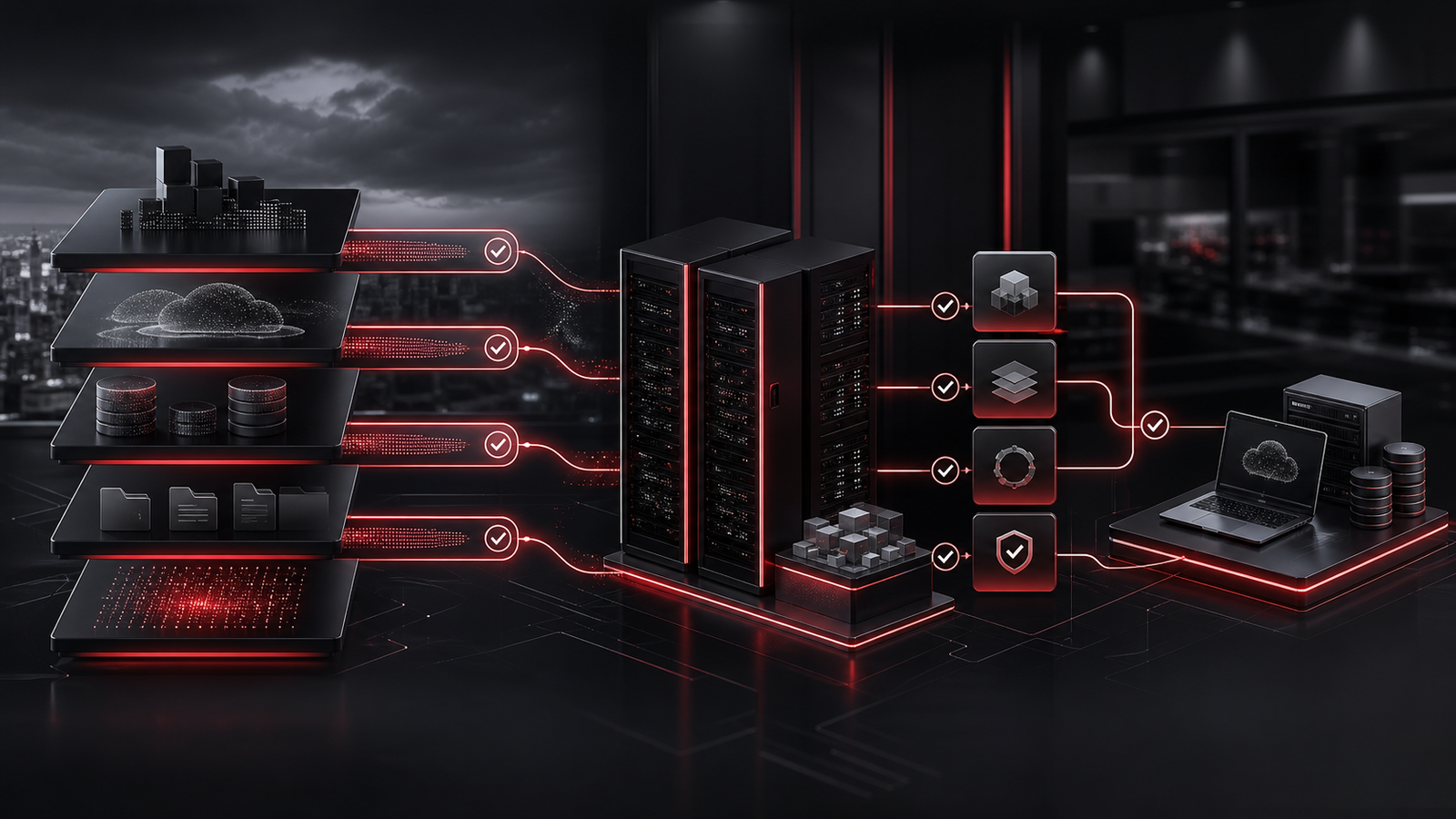
Backups are one of the clearest examples of why monitoring cannot stop at tool deployment. A business may have a backup product in place, but if failed jobs, missed systems, storage issues, or restore problems are not reviewed, the business may have less recovery confidence than it assumes.
Backup monitoring should help answer practical questions. Are backup jobs completing? Are important systems included? Are failures reviewed quickly? Is there a pattern that suggests a configuration issue? Has restore confidence been checked? Are recovery expectations documented well enough that the business knows what should happen during disruption?
Continuity is broader than backups, but backup signals are a key part of readiness. Monitoring can help identify risk earlier, especially when it is paired with review, documentation, and planning. A failed backup alert is useful only if it leads to correction. A repeated backup warning is even more useful if it leads to a discussion about retention, system priority, or recovery expectations.
▸Turn recurring alerts into planning conversations
The best monitoring programs do more than catch urgent issues. They reveal patterns. If the same device fails repeatedly, the business may need a replacement plan. If the same application creates support noise every month, it may need vendor escalation or workflow review. If account changes are inconsistent, onboarding and offboarding may need a cleaner process.
Recurring signals are often where business value lives. They help leadership see where technology is costing time, creating risk, or slowing staff down. They also help move conversations away from vague frustration and toward specific improvement.
This does not require overwhelming reporting. A simple monthly or quarterly review can cover what happened, what repeated, what was resolved, what needs planning, and what the business should prioritize next. When monitoring feeds that conversation, technology decisions become easier to understand and easier to sequence.
▸How Red Shield IT helps bring signal and follow-through together
Red Shield IT helps businesses connect monitoring, support, cybersecurity, Microsoft 365 administration, backup readiness, and technology planning into one clearer operating rhythm. That means alerts are not treated as isolated noise. They are reviewed through the lens of business impact, support ownership, and practical next steps.
For a growing business, the right monitoring approach should feel steady. Important systems are visible. Urgent signals are handled. Repeated issues are documented. Leadership gets clearer guidance. Staff experience fewer recurring disruptions. The business gains a better understanding of where technology needs attention before pressure builds.
Monitoring is not the finish line. It is the visibility layer that helps dependable IT support make better decisions. When the signals are understood and acted on, businesses can move from reactive troubleshooting toward a more mature support relationship.