
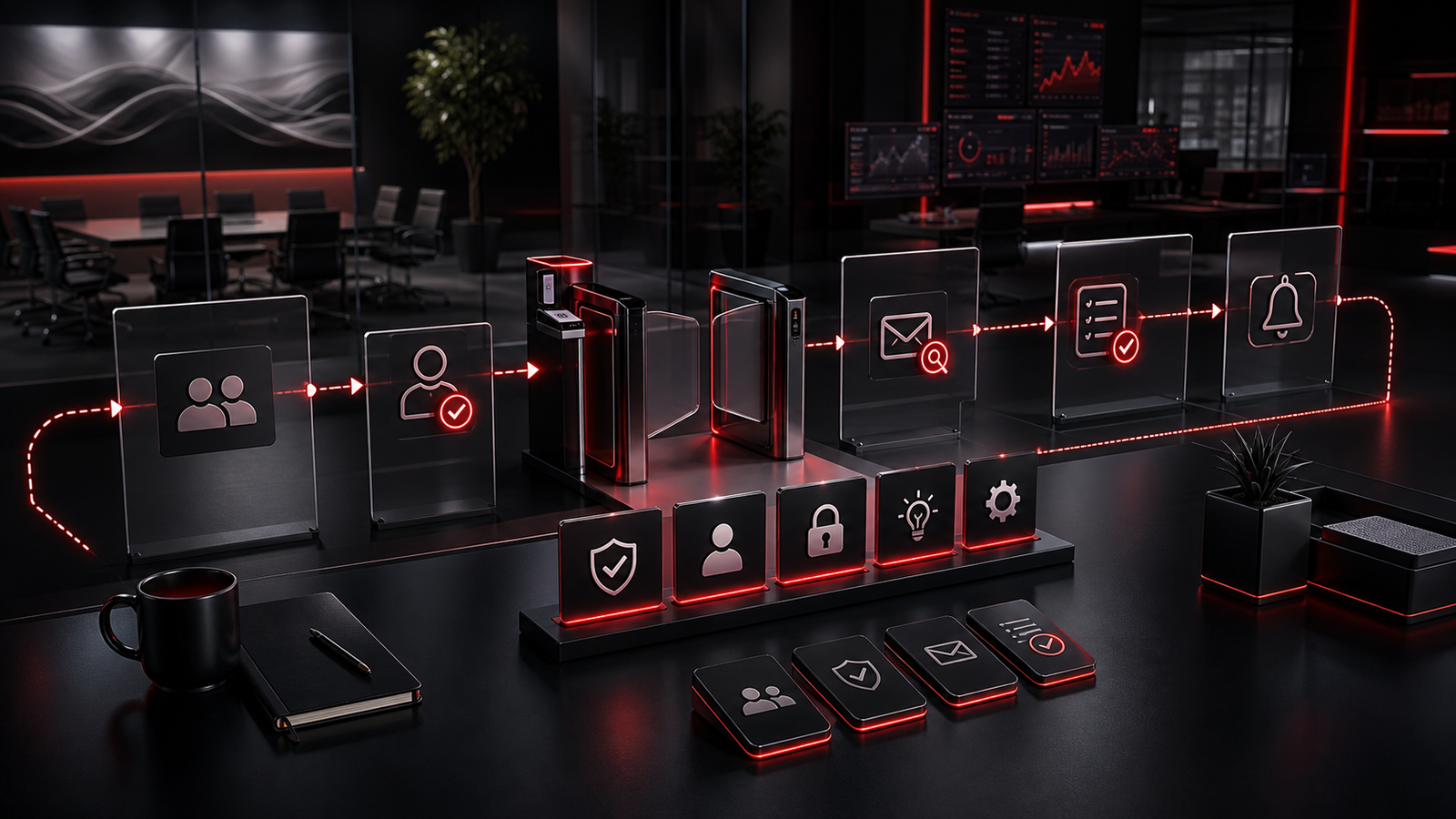
Security awareness is often treated like a training event.
Someone watches a module, answers a few questions, signs a policy, and returns to work. The business can say training happened, but daily decisions still happen in email, Microsoft 365, shared files, payment requests, vendor portals, phones, browsers, and cloud tools. That is where habits matter most.
For growing businesses, the goal is not to turn every employee into a cybersecurity expert. The goal is to make safer decisions easier to recognize and repeat.
A strong security awareness approach gives people practical cues at the moment they need them. It makes reporting simple, reduces confusion around access and unusual requests, and gives owners a clearer way to support staff without blame or fear.
Red Shield IT sees security awareness as part of a broader managed IT and cybersecurity rhythm. Training can help, but it works best when it is connected to real workflows, better Microsoft 365 settings, clear support channels, and calm follow-through.
▸ Why Security Awareness Fails When It Lives Only in Training
Training has value, but it can fade quickly when it is disconnected from daily work.
A staff member might understand phishing in theory, then face a rushed email that appears to come from a familiar vendor. Someone may know passwords matter, but still reuse credentials because the business has not made password management practical. A manager may know access should be reviewed, but keep permissions broad because removing them feels inconvenient.
These are not character flaws. They are workflow problems.
If the business relies only on memory, staff have to make security decisions while juggling clients, deadlines, payments, scheduling, and internal pressure. That is hard to sustain. A better approach is to build visible habits into the environment: clear approval steps for unusual requests, consistent MFA expectations, known reporting paths, and simple guidance for handling suspicious messages.
Security awareness should move from "remember this rule" to "this is how our business handles this situation."
▸ The Goal Is Better Decisions, Not Perfect People
Security conversations can become too harsh too quickly.
People make mistakes. They click too fast, share files too broadly, approve access without enough context, or ignore a strange sign-in prompt because they are busy. If the business treats every mistake as a personal failure, staff may become less likely to report concerns.
That is dangerous.
A healthier security culture focuses on better decisions and faster visibility. Staff should know that reporting a suspicious email, a lost device, an unusual request, or a mistaken file share is the right thing to do. The earlier the business knows, the easier it is to respond.
Owners can support that culture by keeping expectations practical. Instead of expecting perfect judgment, create habits that make risky actions more visible and safer actions easier.
▸ Build Safer Defaults Into Everyday Tools
Security awareness becomes stronger when the tools support the behaviour.
Microsoft 365, cloud storage, endpoint protection, email filtering, MFA, device policies, browser settings, password tools, and access reviews can all help make safer defaults normal. The business should not depend only on staff remembering every rule manually.
For example, MFA can make account access harder to abuse. Permission reviews can reduce accidental exposure. Device standards can make updates and endpoint protection more consistent. Clear admin roles can reduce confusion about sensitive changes.
These controls do not replace awareness. They support it.
When a user sees a sign-in prompt, a file-sharing warning, or an approval step, they need to understand why it exists. When the control and the explanation line up, security feels less arbitrary.
That is especially important for growing teams, where informal habits can spread quickly. A simple, well-explained default is often more effective than a long policy nobody reads.
▸ Turn Reporting Into a Simple Business Habit

Many businesses tell staff to report suspicious activity, but the path is unclear.
Should they forward the email? Call someone? Open a ticket? Ignore it if they are unsure? Ask a manager? Delete it? The answer needs to be simple enough that people can act quickly without feeling embarrassed.
Reporting should be normal, not dramatic.
A practical process might include a dedicated support channel for suspicious emails, a clear way to report lost devices, and simple instructions for unusual sign-in prompts or unexpected payment requests. The business should also decide who reviews reports, who communicates back, and who updates guidance when a pattern appears.
The response matters as much as the report. If staff report something and never hear back, the habit weakens. If they are thanked, guided, and told what happened in plain language, the habit becomes stronger.
Good reporting creates visibility. It also gives the IT support team a better chance to spot patterns before they become larger problems.
▸ What Business Owners Should Review First
Security awareness does not need to start with a complex program.
Start with the situations most likely to affect the business. Review how staff handle suspicious emails, payment changes, password resets, file sharing, new user requests, device loss, vendor access, and unusual Microsoft 365 prompts. These are common points where ordinary work and security overlap.
Then look at the support model around those situations. Is there a clear contact point? Are staff comfortable asking questions? Are procedures documented? Are managers aligned on approvals? Are former users removed promptly? Are MFA prompts understood rather than ignored?
The goal is to remove guessing.
Business owners should also review the tone of security communication. Staff need guidance that is specific, calm, and practical. A short explanation tied to business impact is usually more useful than technical language or fear.
For example, "payment changes need a second confirmation because invoice fraud can look routine" is easier to act on than a broad warning about cybercrime.
▸ How Red Shield IT Helps Create a Practical Security Rhythm
Security awareness works better when it is supported by managed IT discipline.
Red Shield IT helps businesses connect the human side of security with the systems people use every day. That can include Microsoft 365 administration, access control reviews, device standards, endpoint protection, phishing readiness, backup awareness, documentation, and support processes that make reporting easier.
The focus is not on fear. It is on reducing avoidable risk with habits the business can actually maintain.
For a small or growing business, this may begin with a simple review: how users sign in, how files are shared, how suspicious emails are handled, how devices are protected, and how security questions reach the right person. From there, improvements can be prioritized without overwhelming the team.
Good security awareness feels practical. Staff understand what to watch for. Owners understand what is being improved. Support has enough visibility to respond. The business becomes more resilient without turning every routine task into a security project.
▸ Final Thoughts
Security awareness is not just what people know. It is what they are able to do consistently under normal business pressure.
Training can introduce important ideas, but daily habits carry the work. Clear reporting paths, safer Microsoft 365 defaults, device consistency, access reviews, plain-language guidance, and calm support all help staff make better decisions.
The best approach is not aggressive or complicated. It is steady. Choose the situations that matter most. Make the safer action obvious. Remove unnecessary confusion. Treat reporting as a strength. Review patterns as the business grows.
Over time, those habits create a stronger security culture without making technology feel hostile. People still get their work done, but they have better support when something looks unusual.
That is what effective security awareness should do: protect the business by making safer operation easier to practice every day.