

AI is quickly becoming part of everyday business work. Teams use it to draft emails, summarize notes, organize ideas, analyze documents, create internal processes, and speed up repetitive tasks. For many small and growing businesses, that creates a real opportunity.
It also creates a new responsibility.
AI should not be treated as a toy that sits outside normal IT standards. It touches company knowledge, client information, employee workflows, cloud systems, and business decisions. If it is adopted casually, the business may lose visibility into where sensitive information is going, which tools staff are using, and which outputs are being trusted.
The goal is not to slow innovation down. The goal is to make AI useful in a way that still feels controlled, professional, and aligned with the business.
For Canadian businesses that already rely on Microsoft 365, cloud files, email, customer records, and remote work, AI readiness should be part of the wider technology conversation. Red Shield IT sees AI and automation as valuable when they are supported by good security habits, clear ownership, and practical standards.
▸ AI Is Becoming Part of Everyday Work
AI adoption often starts quietly. One employee uses a public tool to rewrite a client email. Another uses it to summarize a meeting transcript. A manager uses it to create a process checklist. Someone tests an automation that moves information between apps.
None of those actions are automatically bad. In fact, many of them can save time and improve consistency. The concern is that leadership may not know what is being used, what information is being entered, or whether the output is being checked before it affects a client, vendor, or internal decision.
That is why businesses need a simple AI standard before usage becomes scattered. The standard does not need to be complicated. It should answer basic questions: which tools are approved, what information should never be entered, who reviews important outputs, and how automation changes are documented.
When those questions are clear, AI becomes easier to trust.
▸ Start With Clear Business Use Cases
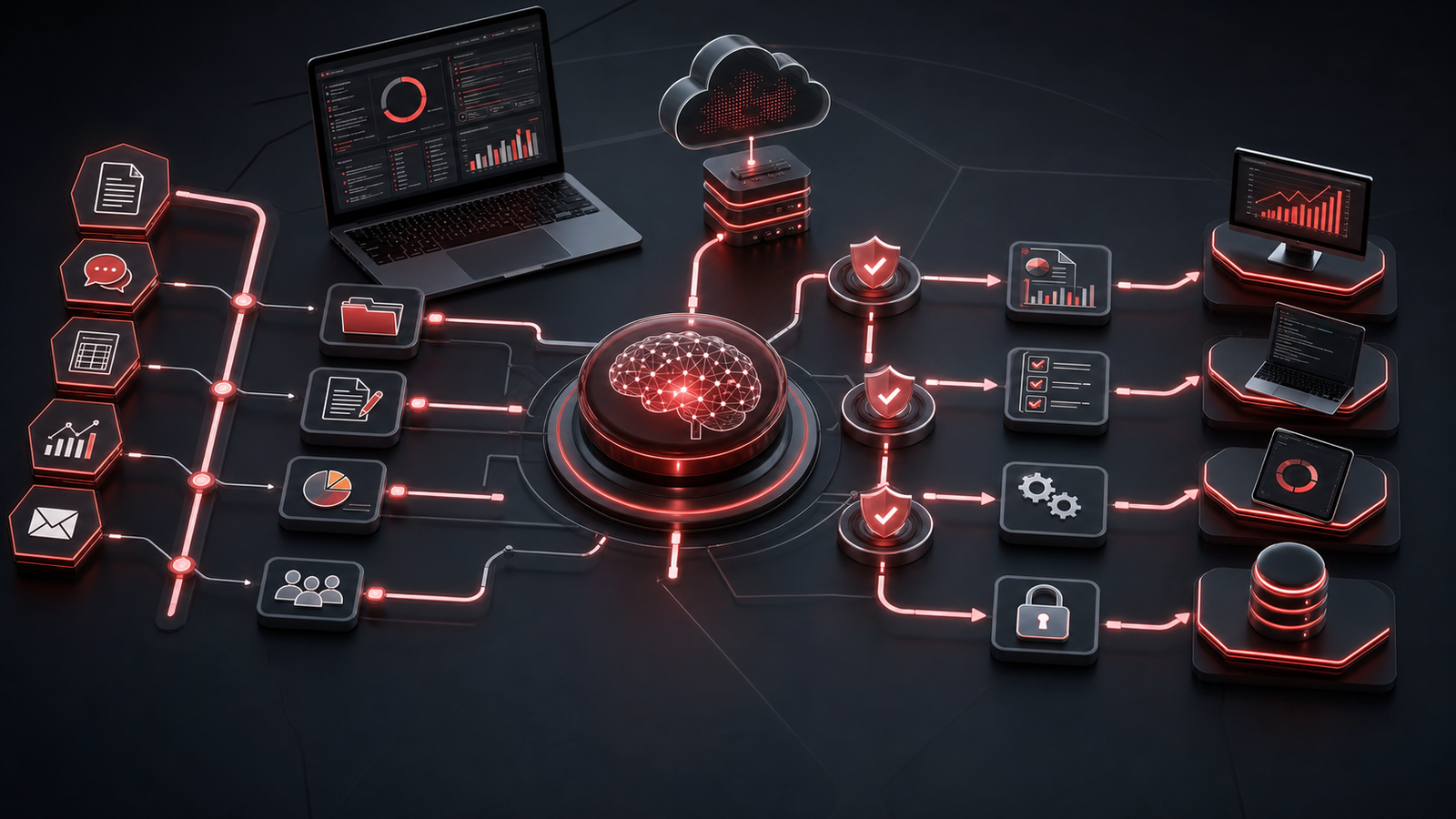
The best AI projects usually begin with practical business friction, not with the tool itself.
A growing business may want faster proposal drafts, cleaner meeting notes, better client onboarding checklists, simpler reporting, or more consistent internal documentation. Those are sensible use cases because they solve real operational problems.
A poor starting point is vague experimentation with no owner, no rules, and no measurement of whether the work actually improved. AI can create more noise if every team chooses its own tools and processes without alignment.
Business owners should ask where time is being lost, where repetitive work is slowing staff down, and where better documentation would reduce confusion. From there, AI can be evaluated as one option among several, alongside workflow automation, Microsoft 365 improvements, template cleanup, or better process design.
The most useful AI adoption is not flashy. It is structured, repeatable, and tied to work the team already understands.
▸ Protect Client Data and Company Knowledge

One of the most important AI readiness questions is data handling.
Employees may not realize that entering sensitive client details, contracts, financial information, passwords, private HR notes, or confidential business plans into an unapproved tool can create risk. Even when a tool is legitimate, the business needs to understand how information is stored, whether it may be used for training, who can access it, and whether the tool fits the company’s privacy expectations.
This is especially important for professional services, healthcare clinics, legal teams, finance, construction, nonprofits, and any business that handles sensitive client or employee information.
A practical rule is simple: staff should know which types of information are safe to use in approved AI workflows and which types are restricted. They should also know when to remove personal details, summarize instead of paste, or use a controlled internal tool instead of a public system.
Data protection is not about fear. It is about making sure useful technology does not accidentally weaken client trust.
▸ Give Microsoft 365 the Right Guardrails
Many businesses already run their day-to-day work through Microsoft 365. Email, Teams, SharePoint, OneDrive, calendars, and identity controls all shape how information moves.
That makes Microsoft 365 an important part of AI readiness.
Before a business adds more automation or AI-assisted workflows, it should review user accounts, administrator roles, shared file permissions, multi-factor authentication, guest access, retention expectations, and offboarding habits. If permissions are messy, AI and automation can make that mess travel faster.
For example, if too many people have access to old shared folders, a new workflow may pull from information that should have been cleaned up. If administrator accounts are not protected properly, connected tools may create unnecessary exposure. If offboarding is inconsistent, former users may keep access longer than they should.
Good AI use depends on a clean technology foundation.
▸ Make Automation Accountable

Automation can be powerful because it removes repetitive manual steps. It can route form submissions, create tasks, update records, send notifications, move files, or trigger review workflows.
But automation should have ownership.
Every business automation should have a clear purpose, an owner, and documentation that explains what it does. Someone should know which systems it connects, what information it uses, how errors are noticed, and what happens if the automation stops working.
This matters because automation can quietly become business-critical. A workflow that started as a convenience may later support sales, billing, onboarding, service delivery, or management reporting. If nobody owns it, the business may not notice problems until they affect clients or staff.
Accountable automation gives the business confidence. It also makes future improvements easier because the process is visible instead of hidden.
▸ Build a Simple AI Readiness Standard
A strong AI readiness standard can fit on one page.
It may include approved tools, restricted data types, review expectations, employee guidance, automation ownership, Microsoft 365 access rules, and a process for requesting new tools. It should be written in plain language so staff can actually follow it.
The standard should also explain that AI output needs human judgment. AI can draft, summarize, classify, compare, and suggest. It should not replace professional review for client advice, legal decisions, financial commitments, security changes, or anything that could materially affect the business.
The point is not to make employees nervous. The point is to give them permission to use helpful tools responsibly.
▸ How Red Shield IT Helps
Red Shield IT helps businesses look at AI and automation through the same practical lens used for managed IT, cybersecurity, Microsoft 365, and business technology planning.
That means reviewing the foundation first: identity security, permissions, data handling, devices, user lifecycle, backup readiness, and documentation. It also means helping leadership choose realistic use cases instead of chasing every new tool.
For a growing business, AI readiness is not a separate trend. It is part of operational maturity. The companies that get the most value will be the ones that combine useful tools with clear standards, protected systems, and business processes that people understand.
▸ Final Thoughts
AI can help small and growing businesses move faster, communicate more clearly, and reduce repetitive work. But the value comes from thoughtful adoption, not random tool usage.
Start with practical use cases. Protect client data. Review Microsoft 365 permissions. Give automation an owner. Write simple rules that staff can follow. Keep human judgment in the process.
When AI is supported by a mature IT foundation, it becomes less risky and more useful. That is the kind of technology progress business owners can feel confident building on.