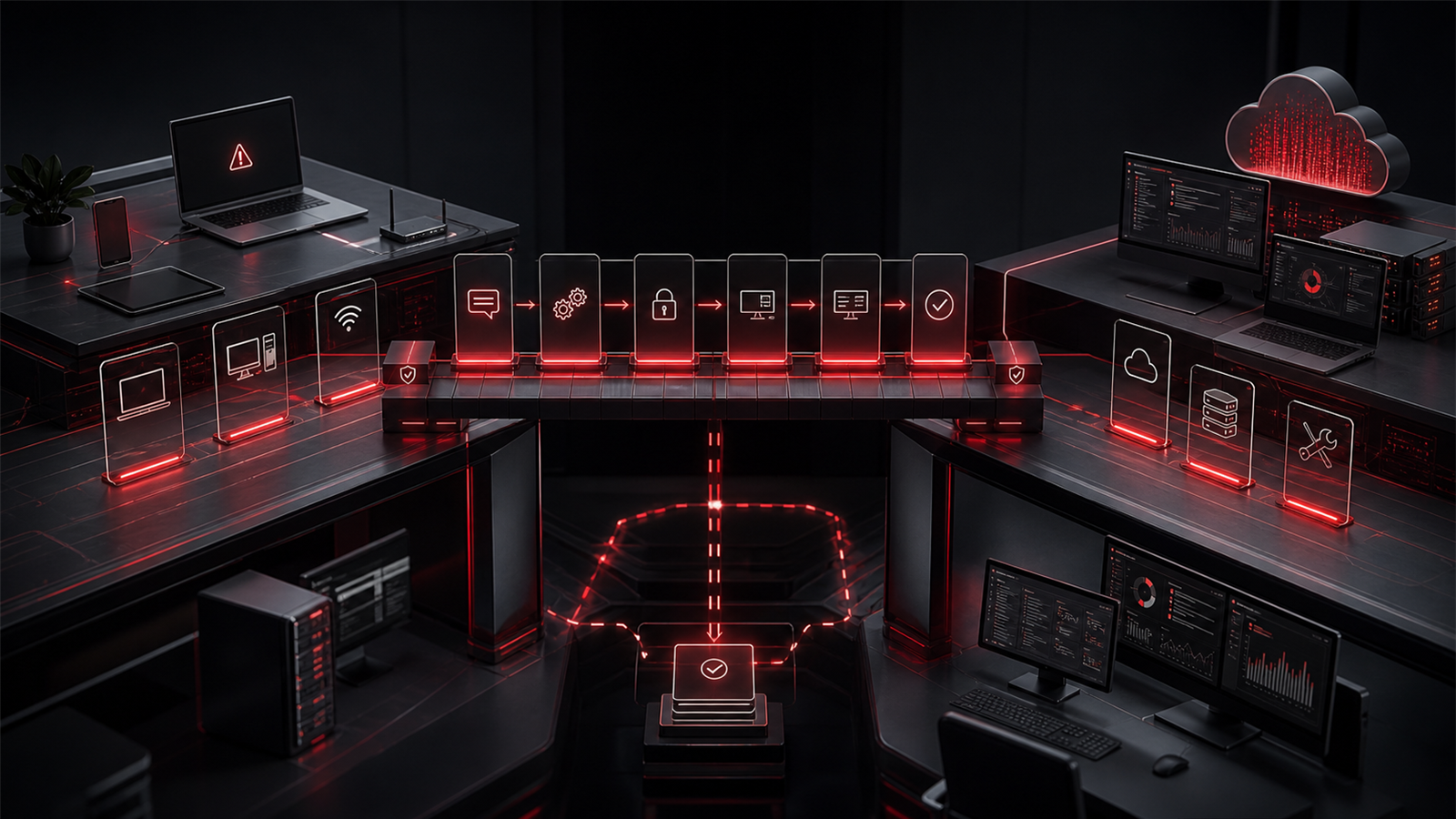
Ransomware is often discussed as a technical threat, but the businesses that prepare well usually treat it as an operational readiness issue.
That distinction matters.
A growing business may already have antivirus, cloud email, backups, Microsoft 365, file sharing, and a few cybersecurity tools in place. Those are important pieces, but they do not automatically answer the practical questions leadership would face during an incident.
Who would isolate affected devices? Who can access backup systems? Which systems need to come back first? How would staff communicate if email is unavailable? Are administrator accounts protected? Are backups tested? Does anyone know which vendors need to be contacted?
Ransomware readiness is about reducing the chance of disruption and improving the ability to respond calmly if something does happen. For small and growing businesses in Canada, including Abbotsford, the Fraser Valley, Vancouver, Surrey, Chilliwack, Mission, Langley, Burnaby, Coquitlam, and nearby BC service areas, readiness should be practical, documented, and tied to daily IT support.
Red Shield IT helps businesses think about ransomware readiness as part of a broader managed IT and cybersecurity foundation, not as a one-time security product purchase.
▸ Ransomware Readiness Starts Before the Incident
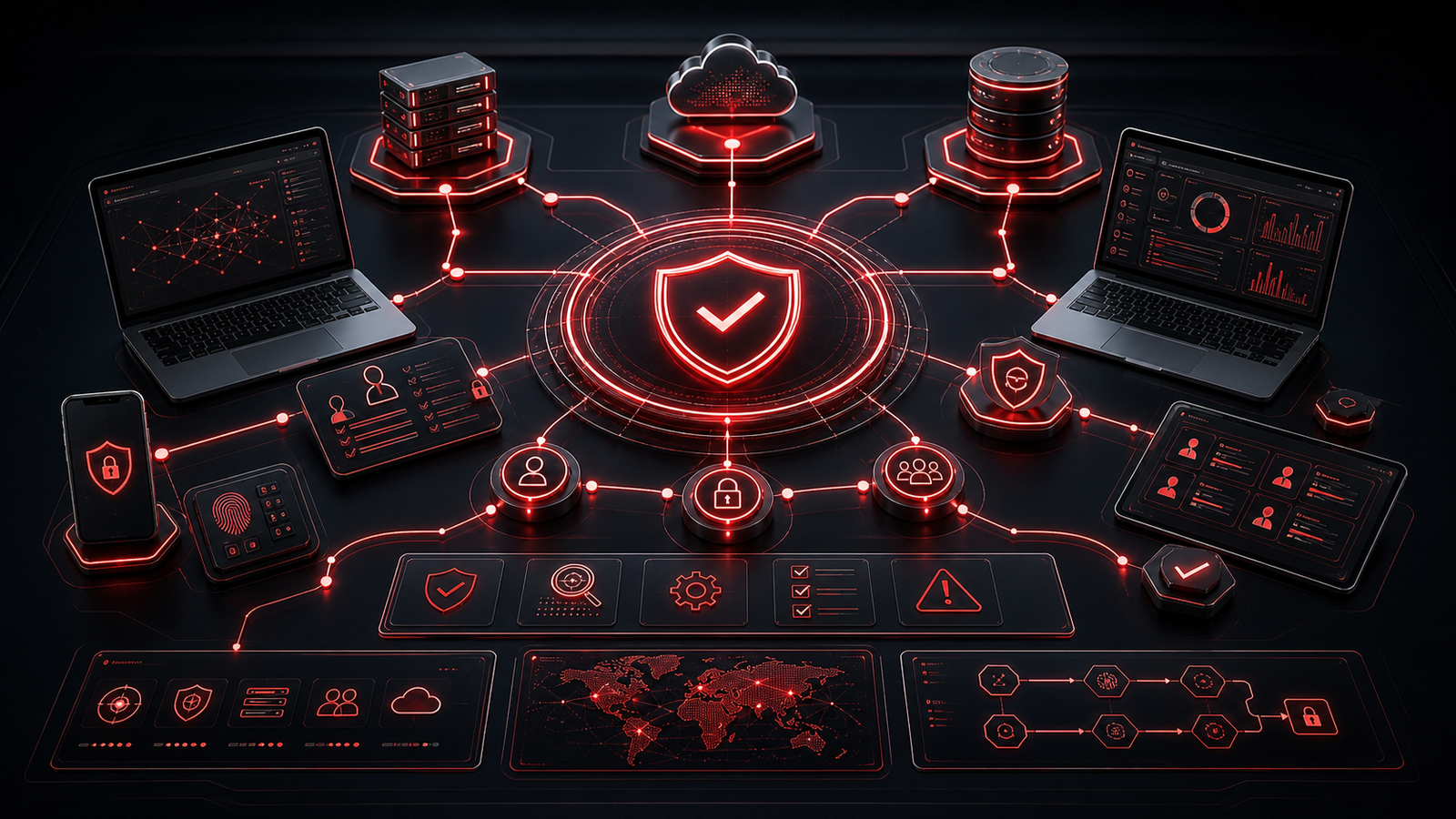
The worst time to decide how recovery works is during an active disruption.
Before there is pressure, a business has time to review access, devices, backups, Microsoft 365 settings, vendor contacts, staff communication, and recovery priorities. During an incident, time is tighter and decisions are harder.
Preparation does not need to be dramatic. A useful ransomware readiness review can begin with simple questions. Which systems are critical to daily work? Which employees have administrator access? How are devices protected and patched? Where are backups stored? How would leadership know whether recovery is possible?
These questions help turn a vague cybersecurity concern into a business continuity conversation.
Ransomware readiness is strongest when it is owned before there is a crisis.
▸ Access Control Is One of the First Lines of Defence
Many incidents become worse when too many accounts have too much access.
Every growing business should know who has administrator rights, which accounts can access sensitive files, and whether former employees have been removed properly. Multi-factor authentication should be reviewed for important systems, especially Microsoft 365, remote access, administrator accounts, and financial or operational platforms.
Access control is not about making work difficult. It is about making sure people have the access they need without leaving unnecessary doors open.
Small businesses often accumulate access problems gradually. A trusted employee gets broad permissions for a project. A shared account remains active because it is convenient. A former contractor is not fully removed. An old mailbox forwarding rule is forgotten.
Those small gaps can matter. Cleaner access discipline helps reduce exposure and makes response easier if something suspicious happens.
▸ Backups Need Recovery Confidence
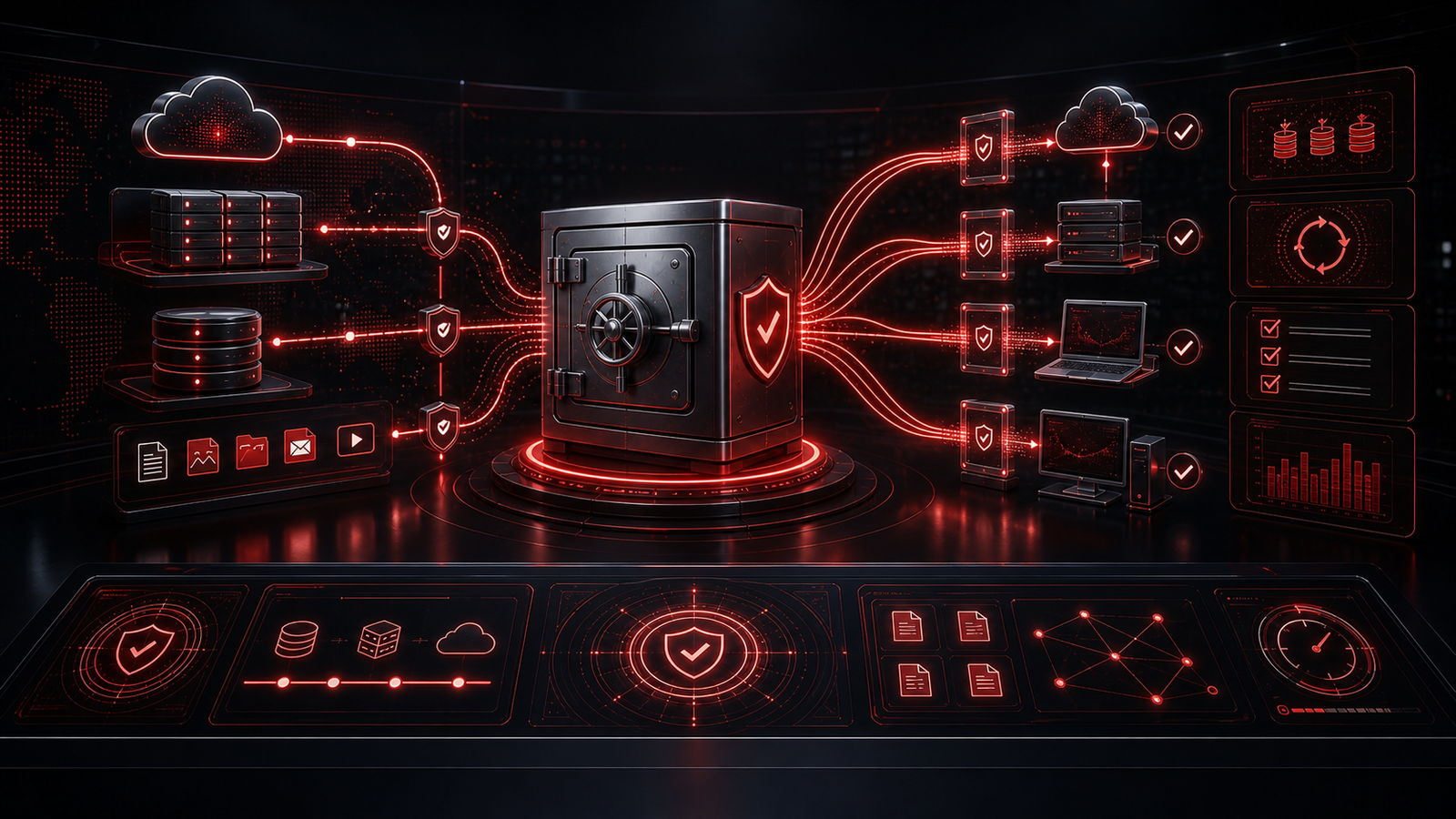
Backups are essential, but the phrase “we have backups” is not the same as recovery readiness.
A business should understand what is backed up, how often backups run, where backups are stored, how long data is retained, and who can restore it. It should also know whether backups are protected from the same account or system compromise that could affect production data.
Testing matters because an untested backup is still an assumption. A simple restore check can reveal gaps before they become urgent. It may show that a critical folder is missing, a cloud system needs separate protection, or a recovery process depends on one person who may not be available.
For many businesses, recovery order is just as important as backup existence. Email, accounting, client records, operational files, and scheduling systems may not all have the same priority.
Ransomware readiness improves when backup planning is specific enough to support real decisions.
▸ Devices Should Have a Clean Security Baseline
Laptops, desktops, and servers are where many business interruptions become visible.
A clean device baseline may include endpoint protection, regular patching, disk encryption where appropriate, managed local administrator rights, secure remote access, and a consistent setup process for new equipment.
Without standards, every device becomes its own little exception. Some may be updated. Some may not. Some may have old software. Some may still have local admin rights that are no longer needed. Some may be used by former staff or shared between roles without clear ownership.
Growing businesses should avoid letting device management depend on memory. A documented device inventory and support process make it easier to identify what exists, what needs attention, and what should be retired.
This is where managed IT support and cybersecurity overlap. A device setup is not just a support task. It is part of the protection model.
▸ Email and Microsoft 365 Deserve Special Attention
Email is still one of the most common places business risk shows up.
Microsoft 365 should be reviewed for account security, administrator roles, mailbox forwarding, suspicious sign-in patterns, shared mailbox access, external sharing, and basic email protection settings. Staff should also know how to report unusual messages, payment requests, file-sharing prompts, or login pages that do not feel right.
The goal is not to make employees suspicious of everything. It is to give them a clear path when something feels unusual.
Many ransomware and credential incidents involve some combination of email, identity, and access. That is why Microsoft 365 security should not be treated as a set-and-forget setup. It needs review as staff, devices, applications, and business processes change.
Strong Microsoft 365 hygiene gives the business better control over one of its most important operating platforms.
▸ Response Planning Reduces Confusion
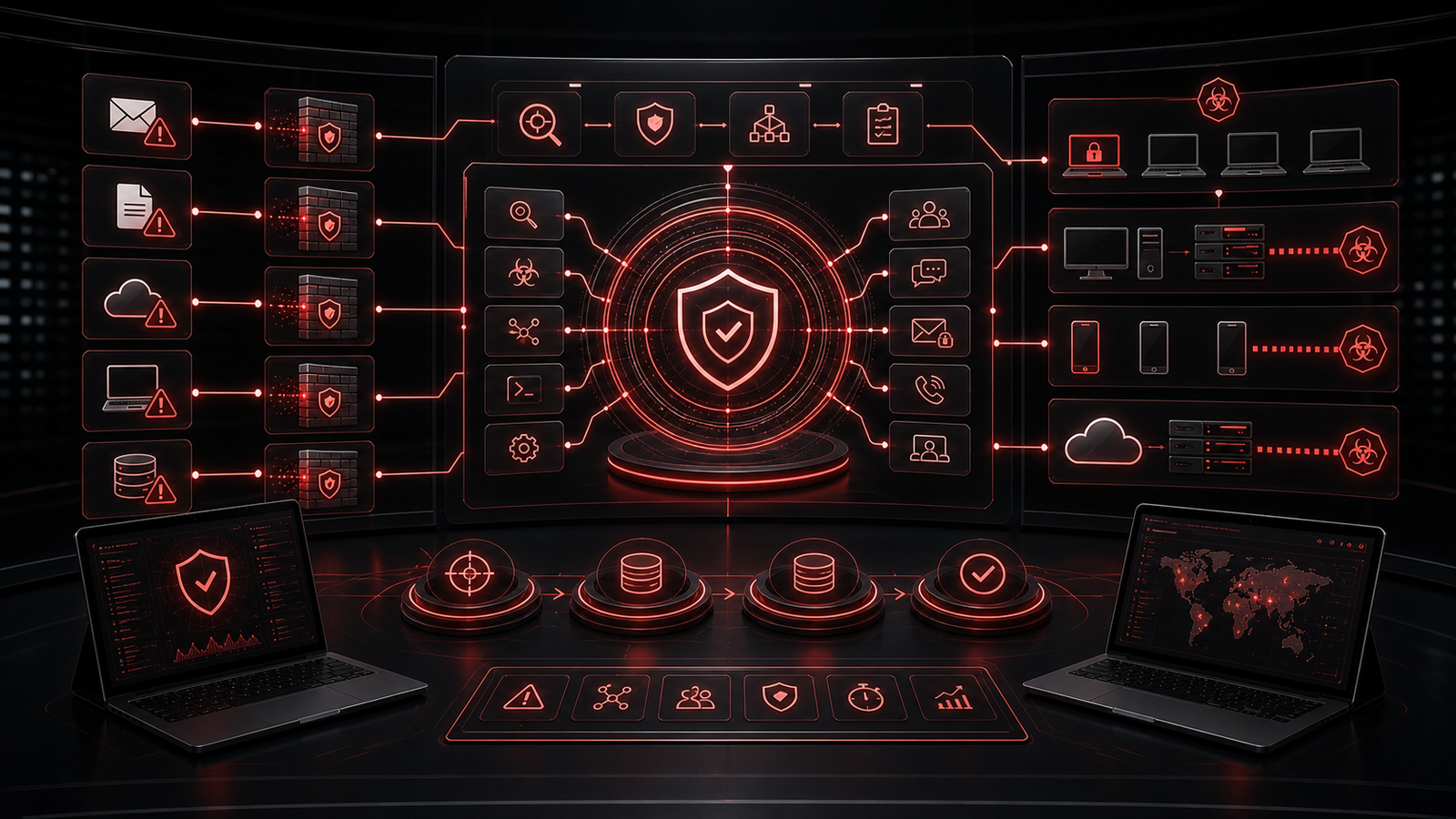
A ransomware response plan does not need to be long to be useful.
At minimum, it should explain who makes decisions, who contacts IT support, who communicates with staff, what systems are most important, where vendor contacts are stored, and how the business will communicate if email or chat tools are unavailable.
The plan should also include a basic isolation process. Staff should know who to contact if a device behaves strangely, files become inaccessible, or a suspicious message leads to a login or download. They should not be expected to diagnose the issue themselves.
Clear response planning reduces confusion. It also helps leadership make calmer decisions because roles and priorities were discussed in advance.
▸ Make Readiness Part of Regular IT Review
Ransomware readiness should not be a one-time document that sits untouched.
As the business grows, new users are added, old users leave, devices change, vendors are connected, cloud systems expand, and backup needs shift. Readiness should be reviewed alongside normal managed IT, Microsoft 365, cybersecurity, and continuity planning.
Red Shield IT helps businesses review practical controls such as MFA, endpoint protection, patching, backup readiness, access discipline, Microsoft 365 hygiene, and response planning. The work is not about creating fear. It is about giving owners better visibility into the systems their business depends on.
▸ Final Thoughts
Ransomware readiness is not only about stopping something bad from happening. It is about making the business harder to disrupt and easier to recover.
Start with access control. Confirm backup coverage and recovery confidence. Standardize devices. Review Microsoft 365. Give staff a clear reporting path. Document who makes decisions and what systems matter most.
Businesses do not need panic to take ransomware seriously. They need practical preparation, clear ownership, and an IT foundation that supports resilience before there is pressure