

Premium red and black Chilliwack managed IT support scene showing local business technology, cloud systems, device groups, cybersecurity checks, and organized service lanes.
Content:
When a business searches for IT support in Chilliwack, the problem is often bigger than one broken device.
Staff may be waiting too long for help. Microsoft 365 may feel messy. Printers, laptops, phones, Wi-Fi, cloud files, vendors, and security tools may all be handled in different ways.
That is where reliable managed IT support becomes valuable.
Small business IT support should help people get back to work quickly, but it should also create structure around the systems the business depends on every day. For Chilliwack companies, that may include local offices, mobile staff, remote users, shared cloud systems, vendor platforms, backup needs, and operations across nearby BC service areas.
The right provider should not only respond when something breaks. Managed IT services should improve communication, ownership, Microsoft 365 administration, cybersecurity hygiene, backup readiness, documentation, and planning.
▸ Chilliwack IT Support Should Be Easy for Staff to Use
Good IT support starts with a simple experience for staff.
People need to know where to go when email stops working, a laptop slows down, a password reset fails, a shared file is missing, a printer is unavailable, or a business application behaves strangely. If the process is unclear, staff waste time asking around, trying fixes on their own, or waiting until the issue becomes urgent.
Small business IT support should give users a clear support path. Requests should be tracked, triaged, communicated, and followed through. Staff should not feel like every issue disappears into a black box.
For owners, that visibility matters too. Repeated issues can reveal deeper patterns in onboarding, device lifecycle planning, Microsoft 365 permissions, shared mailboxes, or recurring support needs.
▸ Managed IT Support Needs More Than Ticket Response

Fast response is important, but managed IT support should cover more than reactive tickets.
A dependable provider should help with user support, device oversight, patch coordination, endpoint protection, Microsoft 365 administration, network support, backup readiness, vendor coordination, and documentation. The exact scope can vary, but the business should know what is included and how support is delivered.
Break-fix support usually reacts to the issue in front of it. Managed IT support should look at the environment more broadly: device health, former users, admin roles, backup checks, recurring issues, and vendor coordination.
For a Chilliwack small business without a full internal IT department, that structure can make technology feel less unpredictable.
Clarity also helps with cost and expectations. Owners should understand what is handled monthly, what becomes project work, what requires vendor involvement, and what recommendations should be prioritized.
▸ Microsoft 365 and Cloud Tools Need Clear Ownership
Microsoft 365 often sits at the centre of small business operations.
Email, calendars, Teams, SharePoint, OneDrive, shared mailboxes, mobile access, MFA, user accounts, and file permissions all affect daily productivity. If the environment is unmanaged, problems can build quietly.
Former users may remain active. Licenses may not match roles. Files may be shared too broadly. Teams and SharePoint sites may be created without structure. Admin access may be unclear.
That is why Microsoft 365 support should be part of managed IT support.
A reliable provider should help with onboarding and offboarding, licensing questions, mailbox access, permission cleanup, MFA guidance, collaboration structure, and tenant hygiene. These are practical tasks, but they protect communication and business data.
The goal is simple: fewer unknowns and cleaner accountability.
▸ Cybersecurity Hygiene Should Be Built Into Daily Support
Cybersecurity services for small business do not need to feel separate from regular IT support.
Many important improvements happen through ordinary maintenance. Devices need updates. Former users need to be removed. MFA should be reviewed. Admin access should be limited. Endpoint protection should be monitored. Email security should be considered. Backups should be checked. Vendor access should be understood.
These tasks are not dramatic, but they matter.
Good managed IT support should help leadership understand risk in business language. What should be improved first? What is creating avoidable exposure? What can be handled without disrupting the team? What needs planning or budget?
The provider should also make security practical for staff. If people are confused by sign-in prompts, password resets, suspicious emails, or file-sharing warnings, they need a clear support path and plain-language guidance.
Red Shield IT treats cybersecurity as part of dependable managed IT support. The focus is not fear. The focus is reducing avoidable risk through better access control, device consistency, Microsoft 365 hygiene, backup awareness, and clear ownership.
▸ Local BC IT Support Should Account for Growth and Distance
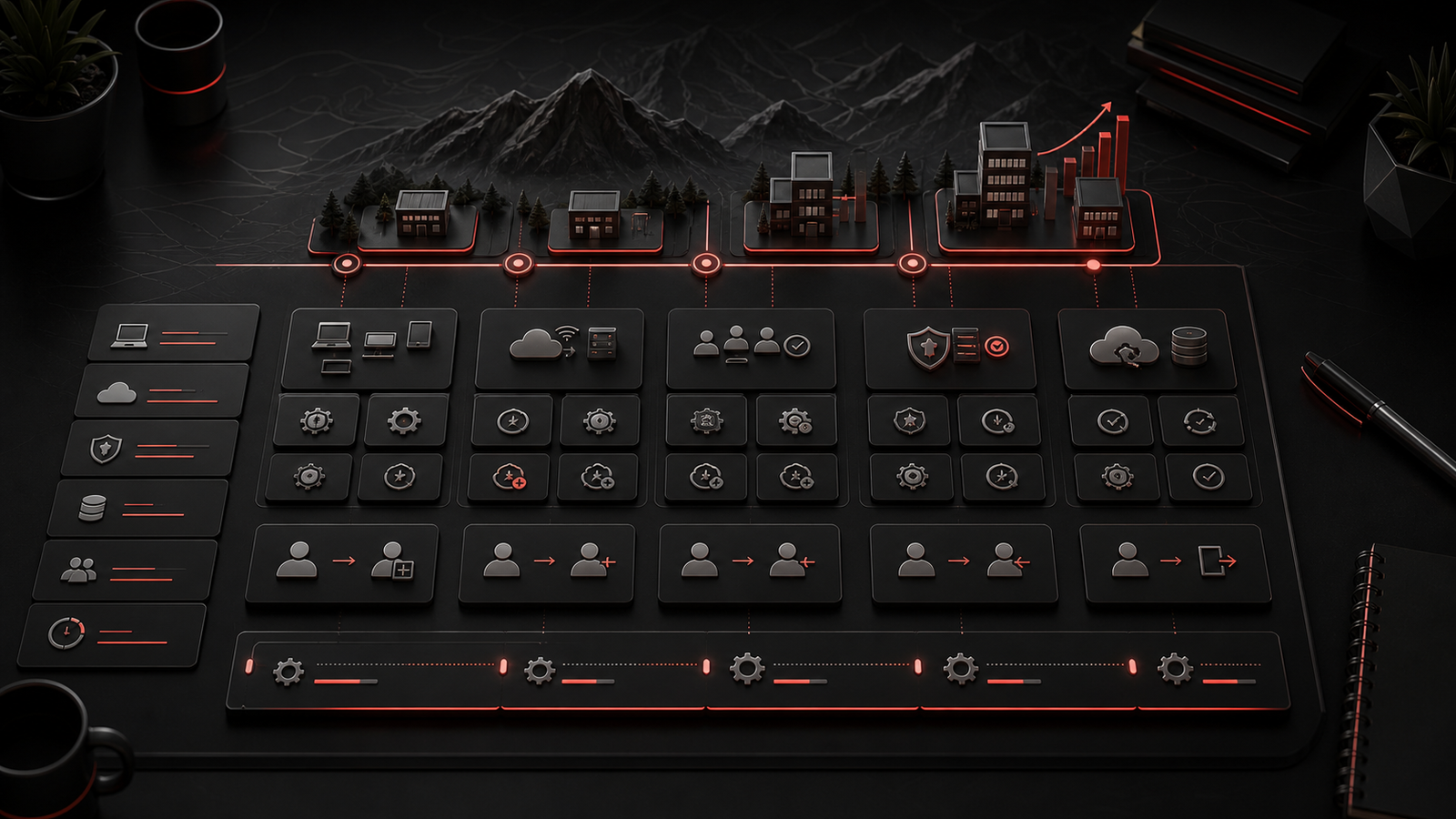
Chilliwack businesses often need support that works for both local and remote realities.
Some teams operate from one office. Others have staff on the road, employees working from home, satellite locations, or service relationships across the Lower Mainland and Fraser Valley. Local BC IT support should be able to support that mix with clear remote processes and practical onsite planning.
Growth adds more moving parts.
New employees need accounts, devices, permissions, MFA, software, and training. Departing staff need access removed cleanly. Aging laptops and networking equipment need replacement planning. Backup and continuity expectations should be understood before an outage creates pressure.
Managed IT support should help the business keep pace with those changes.
That does not always require a complex roadmap. Useful planning can be as straightforward as reviewing aging devices, access cleanup, recurring issues, Microsoft 365 settings, vendor documentation, and improvements that should be budgeted before they become urgent.
Good support gives owners a clearer operating picture.
▸ What to Ask Before Choosing a Managed IT Provider
Before choosing an IT support provider in Chilliwack, ask how the service will actually work.
How are support requests submitted? How is urgency handled? Who communicates updates? How are Microsoft 365 changes managed? Are devices inventoried? Are patches coordinated? Are former users removed promptly? How are cybersecurity priorities explained? Does the provider help with backups and business continuity? Who coordinates with vendors?
Also ask what kind of planning is included.
A small business may not need enterprise complexity, but it does need practical advice around devices, cloud systems, licensing, renewals, security improvements, backup readiness, and future growth.
Communication is just as important as tools. Staff should know where to get help, owners should understand what is being maintained, and recommendations should come with context.
▸ How Red Shield IT Supports Small Business IT Needs
Red Shield IT helps Canadian businesses with managed IT support, cybersecurity, Microsoft 365 support, business continuity, infrastructure, and practical technology guidance.
For Chilliwack and nearby BC service areas, the focus is clear ownership and steady support across help desk service, user changes, device oversight, Microsoft 365 administration, cybersecurity hygiene, backup readiness, vendor coordination, and planning.
The goal is not to overwhelm a small business with unnecessary complexity. The goal is to create a support model that feels dependable, understandable, and useful.
When day-to-day support, cloud administration, security, documentation, and planning are connected, the business spends less time guessing and technology becomes easier to manage as the company grows.
▸ Final Thoughts
IT support in Chilliwack should help small businesses operate with less friction and more confidence.
Reliable managed IT support includes daily user help, device oversight, Microsoft 365 administration, cloud support, cybersecurity hygiene, backup readiness, documentation, vendor coordination, and practical planning. It gives staff a clear place to get help and gives leadership a better view of what is being maintained.
Issues are tracked. Changes are documented. Recurring problems are reviewed. Security is built into normal support. Cloud tools are managed with clearer ownership. Recommendations are connected to business impact.
For small businesses across Chilliwack, Abbotsford, Mission, Langley, Surrey, Vancouver, Burnaby, Coquitlam, and the Fraser Valley, that kind of support can reduce chaos and make growth easier to manage.
Red Shield IT helps businesses create that steadier operating rhythm with managed IT support, cybersecurity, Microsoft 365, continuity planning, and clear business technology guidance.