
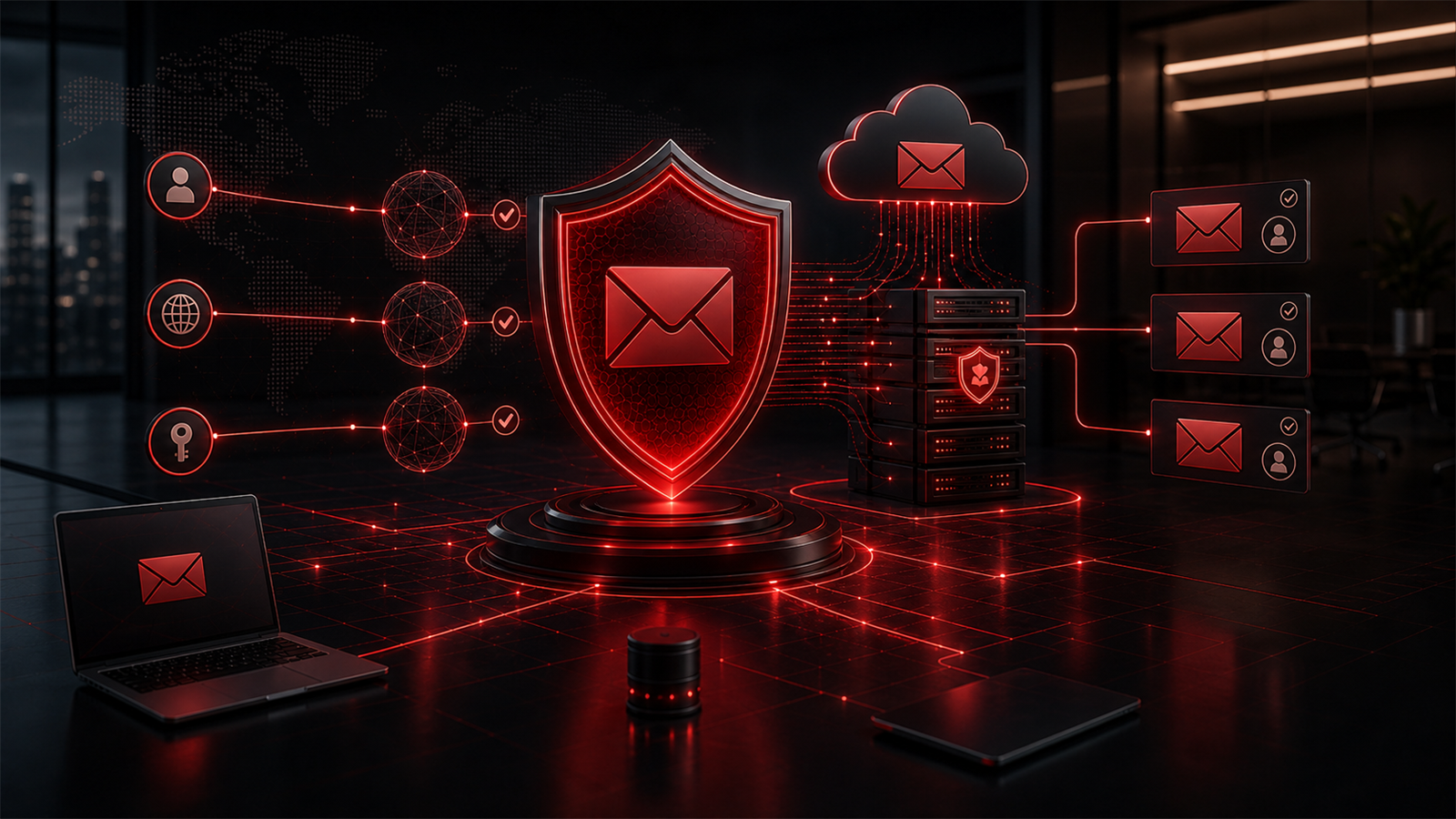
Email is still one of the most important business systems most companies use every day. It is where quotes are sent, invoices are approved, client questions are answered, files are shared, meetings are arranged, and important decisions are confirmed.
Because email feels familiar, it is easy to underestimate how much trust depends on it.
For small and growing businesses in Abbotsford, the Fraser Valley, Vancouver, Surrey, Langley, Chilliwack, Mission, Burnaby, Coquitlam, and across Canada, email security is not just a technical issue. It is part of reputation, client confidence, and day-to-day operations.
One important part of that trust is email authentication.
Email authentication helps other mail systems understand whether a message that appears to come from your business domain is more likely to be legitimate. It also helps reduce the chance that someone can misuse your domain in a way that confuses clients, vendors, or employees.
This does not mean email authentication solves every email security problem. It does not replace staff awareness, mailbox protection, Microsoft 365 security, access controls, or good business processes. But it is an important foundation that every business owner should understand at a practical level.
What Email Authentication Actually Does
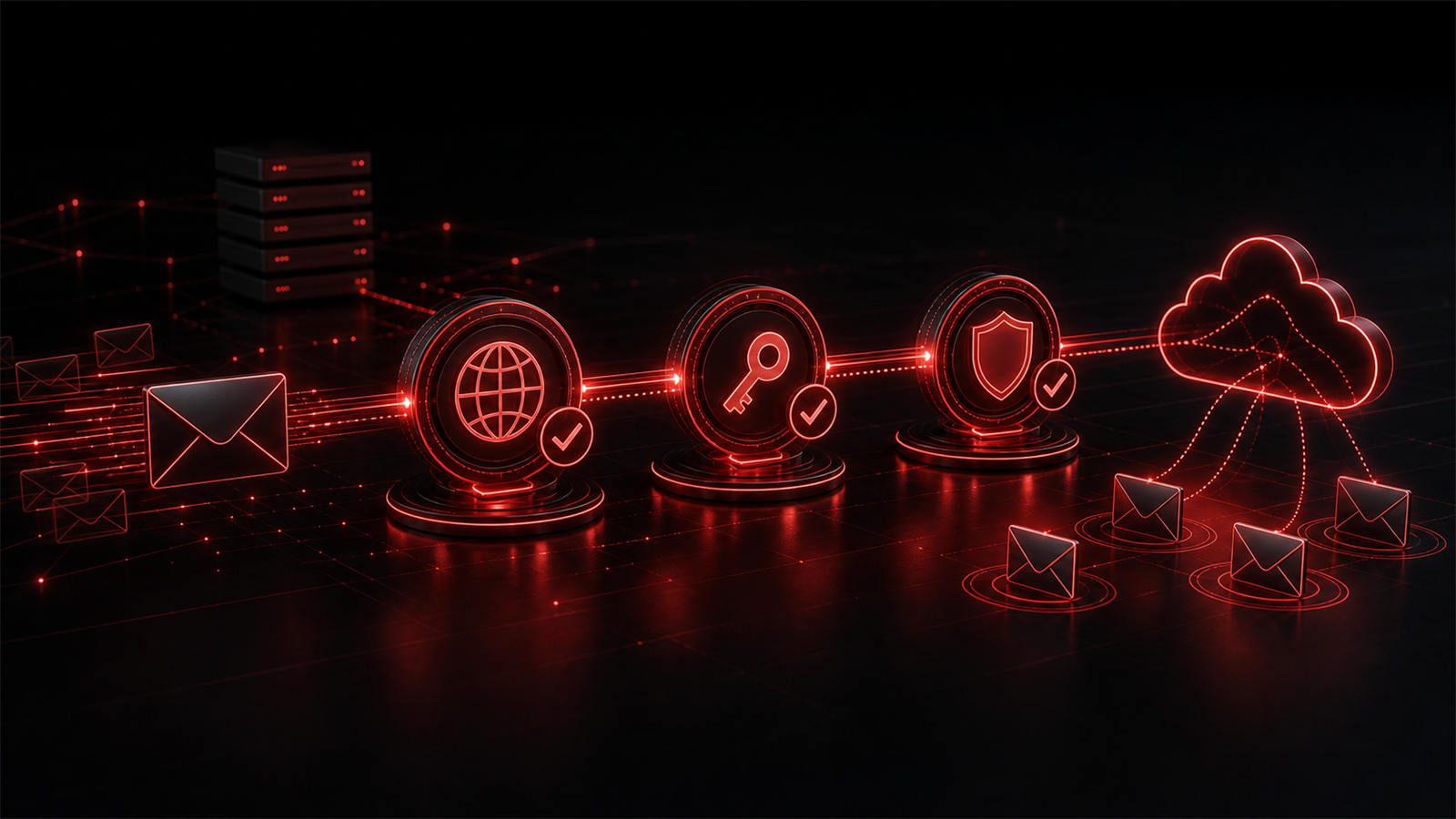
Email authentication is a set of domain-level controls that help receiving mail systems check whether a message is allowed to come from your domain.
The three terms business owners may hear most often are SPF, DKIM, and DMARC.
SPF helps define which mail systems are allowed to send email for your domain.
DKIM helps attach a digital signature to messages so receiving systems can check that the message has not been changed in transit and is connected to your domain.
DMARC helps tell receiving systems what to do when a message fails those checks. It can also provide reporting that helps show how your domain is being used.
You do not need to manage the technical details yourself, but you should know whether these controls exist, whether they are configured correctly, and whether they match how your business actually sends email.
For example, your company may send email through Microsoft 365, a website contact form, an accounting platform, a CRM, a newsletter tool, or another business application. If those systems are not considered in the configuration, legitimate email may be affected or domain protection may be incomplete.
Why Email Trust Matters to Business Operations
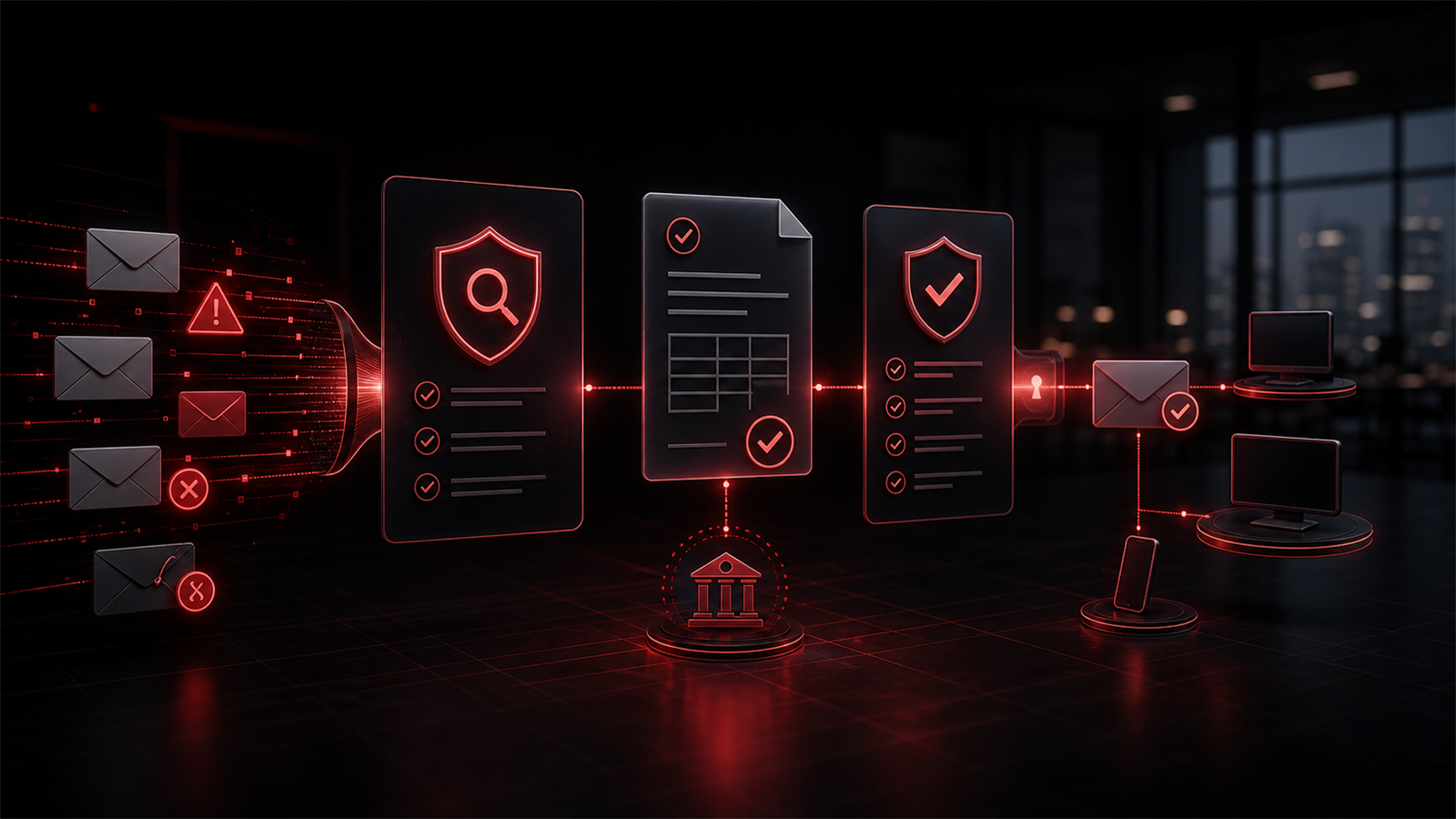
Email trust matters because business decisions often happen through the inbox.
A client may receive a proposal. A vendor may receive a payment request. An employee may receive a password reset message. A manager may receive a document for approval. If email systems are poorly configured, confusion can increase and trust can weaken.
Strong email authentication helps support credibility. It gives receiving mail systems better signals about whether messages from your domain are legitimate. It can also help protect your domain from being used in simple impersonation attempts.
This is especially important for businesses that send invoices, handle client information, rely on professional communication, or work with external partners.
The goal is not to create fear around email. The goal is to make email more dependable.
Email Authentication Is Only One Layer
Email authentication is important, but it is not the entire email security strategy.
A business also needs secure user accounts, multi-factor authentication where appropriate, mailbox protection, careful access management, staff awareness, and clear reporting processes when something suspicious appears.
Think of authentication as one layer in a broader email security model. It helps protect the domain. Other controls help protect the mailbox, the user, the device, and the business process.
For example, an attacker may not need to spoof your exact domain if they can trick someone with a lookalike address or compromise a real mailbox elsewhere. That is why staff still need to know how to slow down, verify unusual requests, and report concerns.
Good email security works best when technical controls and business habits support each other.
Microsoft 365 Is Not Set-and-Forget
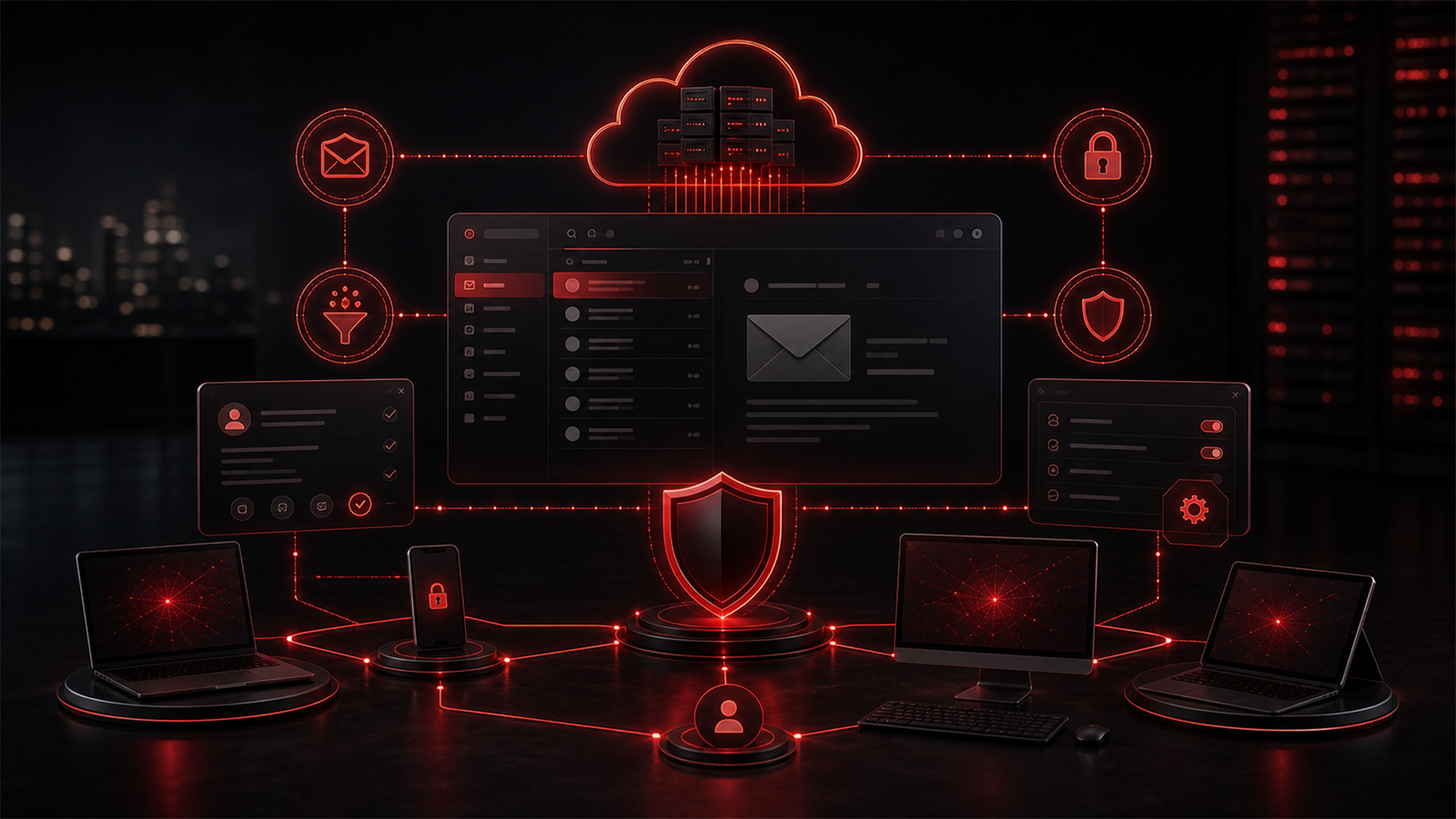
Many Canadian small businesses use Microsoft 365 for email, calendars, Teams, OneDrive, SharePoint, and user accounts. It is a powerful platform, but it should not be treated as a one-time setup.
Microsoft 365 email security should be reviewed as the business changes. New users are added. Staff leave. Applications are connected. Devices change. Shared mailboxes appear. External collaboration grows.
A practical review may include account security, administrator roles, mailbox settings, multi-factor authentication, email filtering, domain records, and how third-party tools send mail on behalf of the business.
It is also worth reviewing whether old sending services are still authorized. Businesses often connect tools over time and forget about them later. That can make email authentication records messy or less effective.
Red Shield IT helps businesses look at Microsoft 365 and email security as part of the wider IT environment, not as isolated settings.
Practical Questions Owners Should Ask
Business owners do not need to memorize technical DNS records, but they should be able to ask clear questions.
Do we know every system that sends email for our domain?
Are SPF, DKIM, and DMARC configured for our domain?
Are our Microsoft 365 administrator accounts protected?
Do we have multi-factor authentication enabled where it matters?
Are staff trained to report suspicious messages?
Do we have a process for verifying unusual payment, banking, or password requests?
Do we review email settings when we add new tools?
These questions turn email security from a vague concern into a practical business discussion.
Make Verification Part of the Culture
Technical controls are valuable, but business process matters too.
If an email asks for a banking change, urgent payment, password reset, gift card purchase, or confidential file transfer, staff should know how to verify the request using a trusted second channel.
That might mean calling a known phone number, confirming through an existing client contact, or escalating to a manager before acting. The process should be simple enough that employees actually follow it.
This is not about slowing the business down. It is about giving staff permission to pause when something feels unusual.
Final Thoughts
Email authentication is one of those behind-the-scenes controls that can have a real impact on business trust. It helps protect your domain, supports more reliable communication, and gives other mail systems better signals about legitimate messages.
For small and growing businesses, the best approach is practical. Know what systems send email for your company. Review Microsoft 365 and domain settings. Protect user accounts. Train staff on verification habits. Keep documentation clear.
Red Shield IT works with Canadian businesses that want their IT, cybersecurity, Microsoft 365, and business automation foundations to feel more mature and dependable. Email security is a smart place to strengthen that foundation because so much business trust still flows through the inbox.