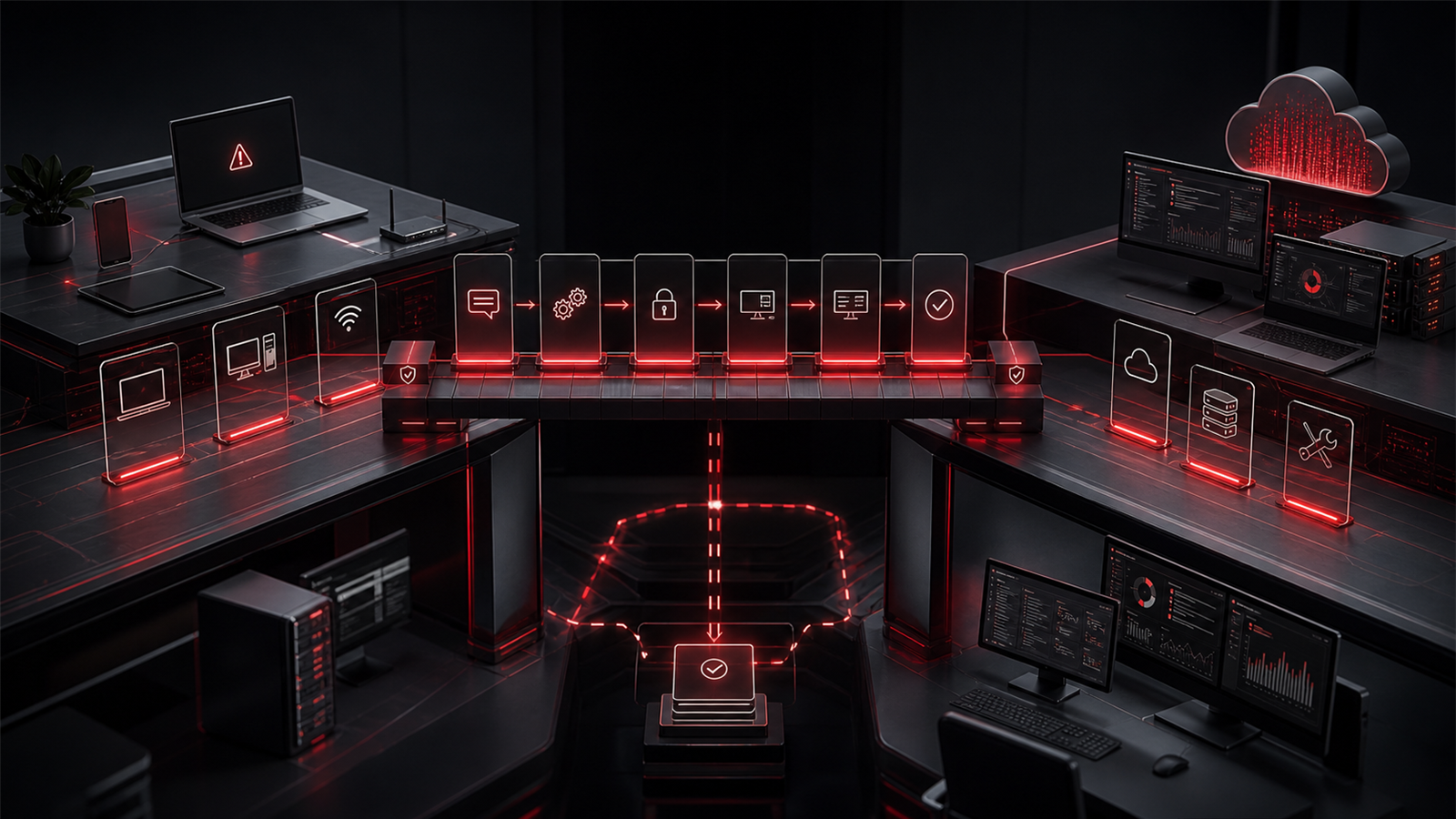
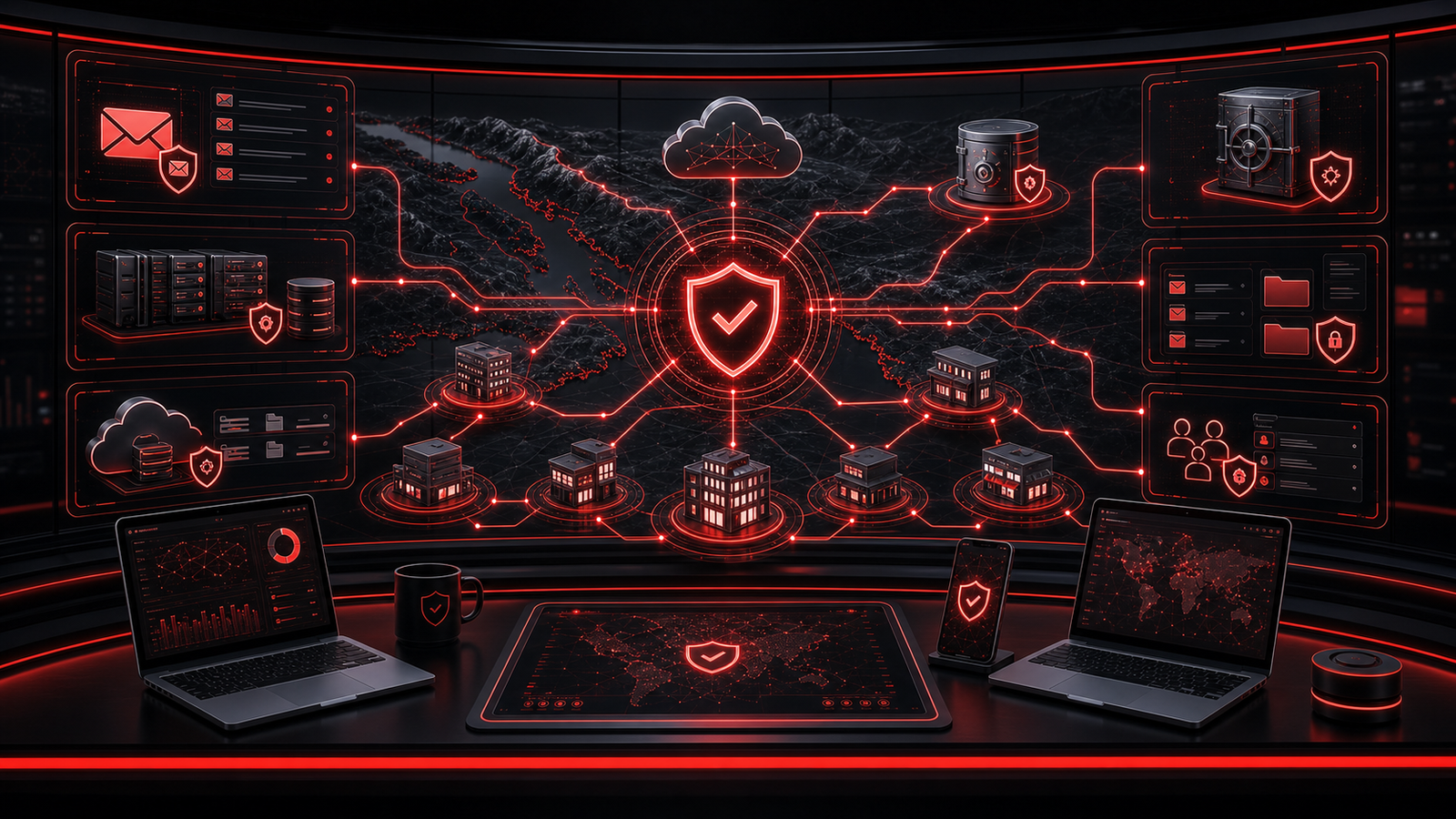
Small businesses do not need cybersecurity advice that feels designed for a giant enterprise. They need practical protection that fits the way their teams actually work.
For many companies in Abbotsford, the Fraser Valley, Vancouver, Surrey, Chilliwack, Mission, Langley, Burnaby, Coquitlam, and nearby BC service areas, cybersecurity is closely tied to IT support. The same devices, user accounts, Microsoft 365 settings, email systems, backups, and business applications that need day-to-day support also need sensible protection.
That is why cybersecurity services for small business should not feel separate from managed IT support. They should be built into the support model.
If you are comparing IT support, managed IT support, small business IT support, managed IT services, or local BC IT support, it helps to know what cybersecurity coverage should include and what questions to ask before choosing a provider.
▸ Cybersecurity Should Fit the Business
Effective cybersecurity starts with the actual business environment.
A small office with ten employees, a field service company with mobile staff, a professional services firm with client files, and a clinic with sensitive information may all need different priorities. The right provider should understand how staff work, where data lives, which systems matter most, and what level of risk the business needs to reduce first.
Cybersecurity should not be a pile of tools with no clear owner. It should be a practical layer around the business: secure accounts, safer devices, better email protection, cleaner backups, documented access, and staff guidance that people can follow.
When cybersecurity is matched to the business, owners can make better decisions without getting buried in jargon.
▸ Account Security and MFA Come First
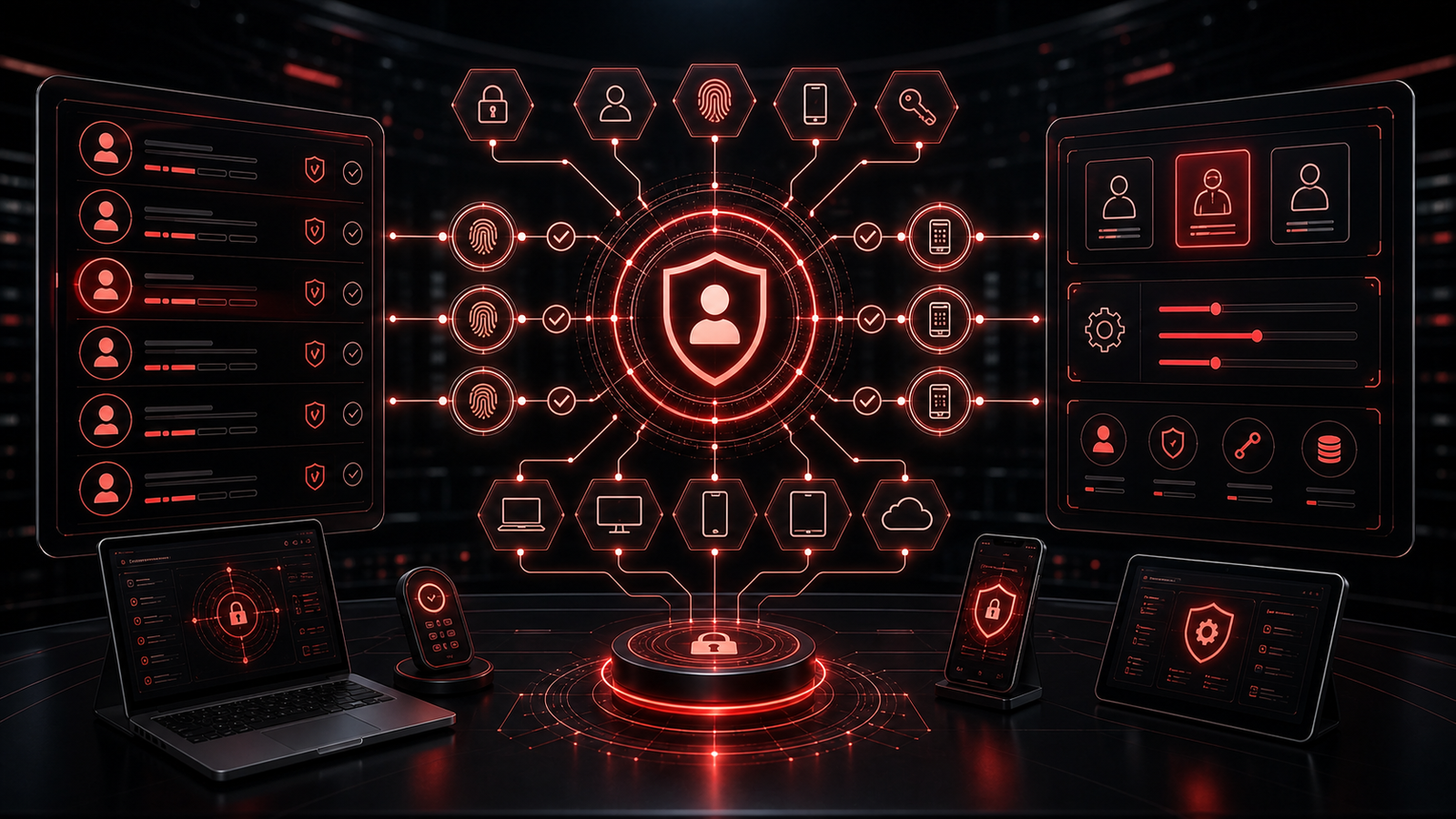
User accounts are one of the most important areas to review.
Small businesses often rely on Microsoft 365, cloud applications, accounting systems, customer portals, remote access tools, and shared files. If accounts are weak, over-permissioned, or poorly offboarded, the business can be exposed even if devices seem healthy.
Cybersecurity services should include a review of multi-factor authentication, administrator accounts, shared accounts, former users, password habits, and access permissions. Important systems should have stronger protection, especially where email, finances, client records, or business administration are involved.
This is also where managed IT services can make security easier. When onboarding and offboarding are handled consistently, accounts are less likely to drift into a messy state.
▸ Devices Need Ongoing Protection
Every laptop, desktop, and server represents part of the business environment.
Cybersecurity services for small business should include endpoint protection, update oversight, device standards, encryption where appropriate, and a process for replacing or retiring old equipment. Devices should not be set up differently each time someone joins the company.
Ongoing protection matters because risk changes after the first setup. Software ages. Staff install tools. Devices move between locations. Remote work patterns change. A laptop that was secure a year ago may not match the business standard today.
Managed IT support helps by keeping device health visible. Instead of waiting for a problem, the provider can help identify gaps and bring devices closer to a consistent baseline.
▸ Email Security Should Be Practical
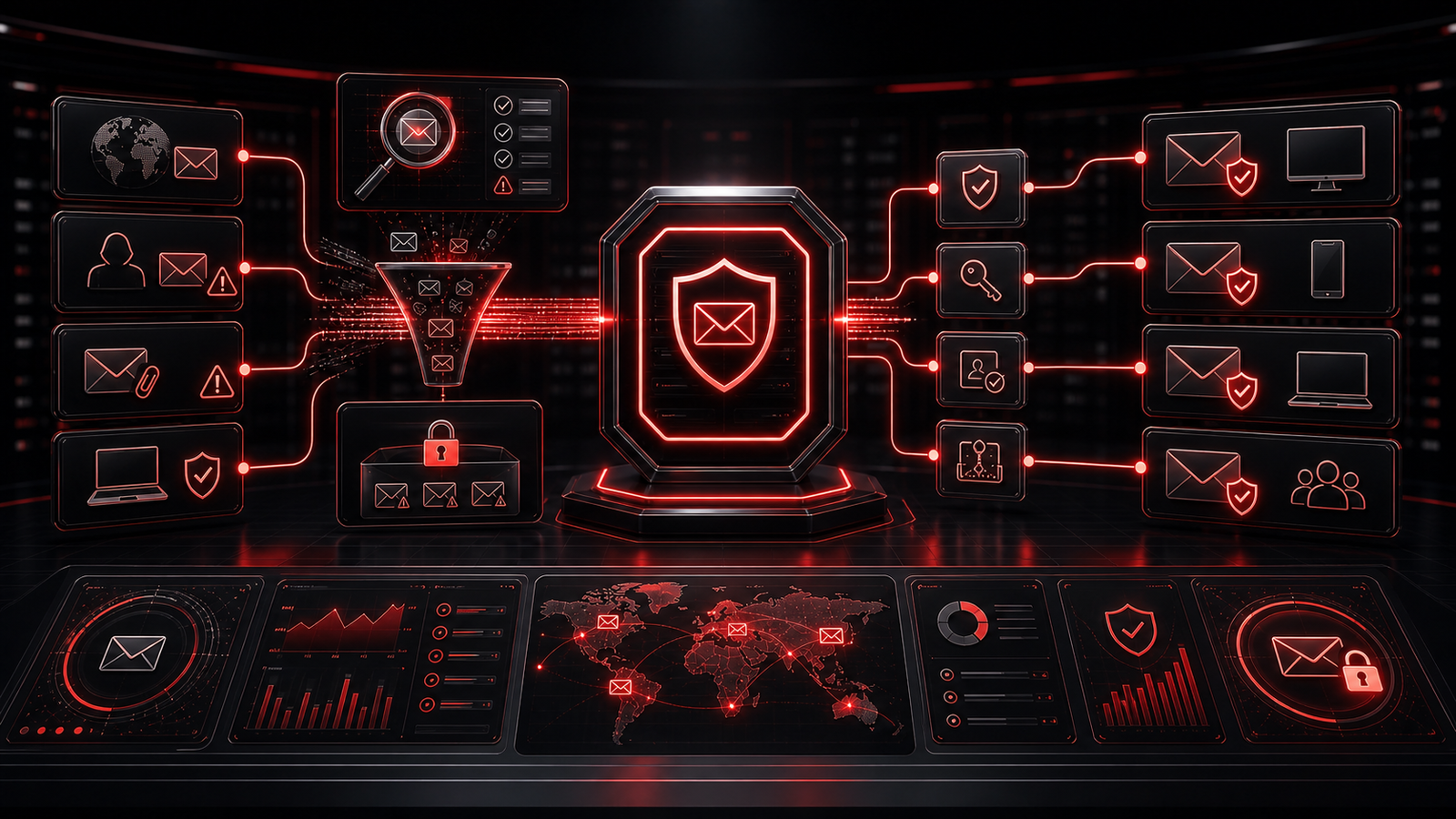
Email remains one of the most important systems for small businesses.
A practical email security review may include spam and phishing protection, suspicious forwarding rules, mailbox access, domain authentication, staff reporting habits, and Microsoft 365 settings that reduce impersonation risk.
Business owners do not need to memorize technical records like SPF, DKIM, and DMARC, but they should know whether their domain and email system are configured with reasonable care. They should also know how staff are expected to handle unusual requests involving payments, password resets, wire changes, confidential files, or urgent approvals.
Good email security combines technology and habits. Filters help, but staff also need permission to pause and verify when something feels off.
▸ Backup Readiness Is Part of Security
Backups are often discussed as continuity planning, but they are also part of cybersecurity.
If ransomware, account compromise, accidental deletion, or a major outage affects business systems, recovery depends on whether important data can be restored. That means the business should understand backup coverage, retention, recovery priorities, and who can access restore tools.
Small businesses should ask whether Microsoft 365 data, local files, servers, business applications, and critical records are covered in the way leadership expects. They should also ask whether backups are tested, not just assumed.
Backup readiness gives cybersecurity efforts a second layer. Prevention matters, but recovery confidence matters too.
▸ Microsoft 365 Requires Ongoing Oversight
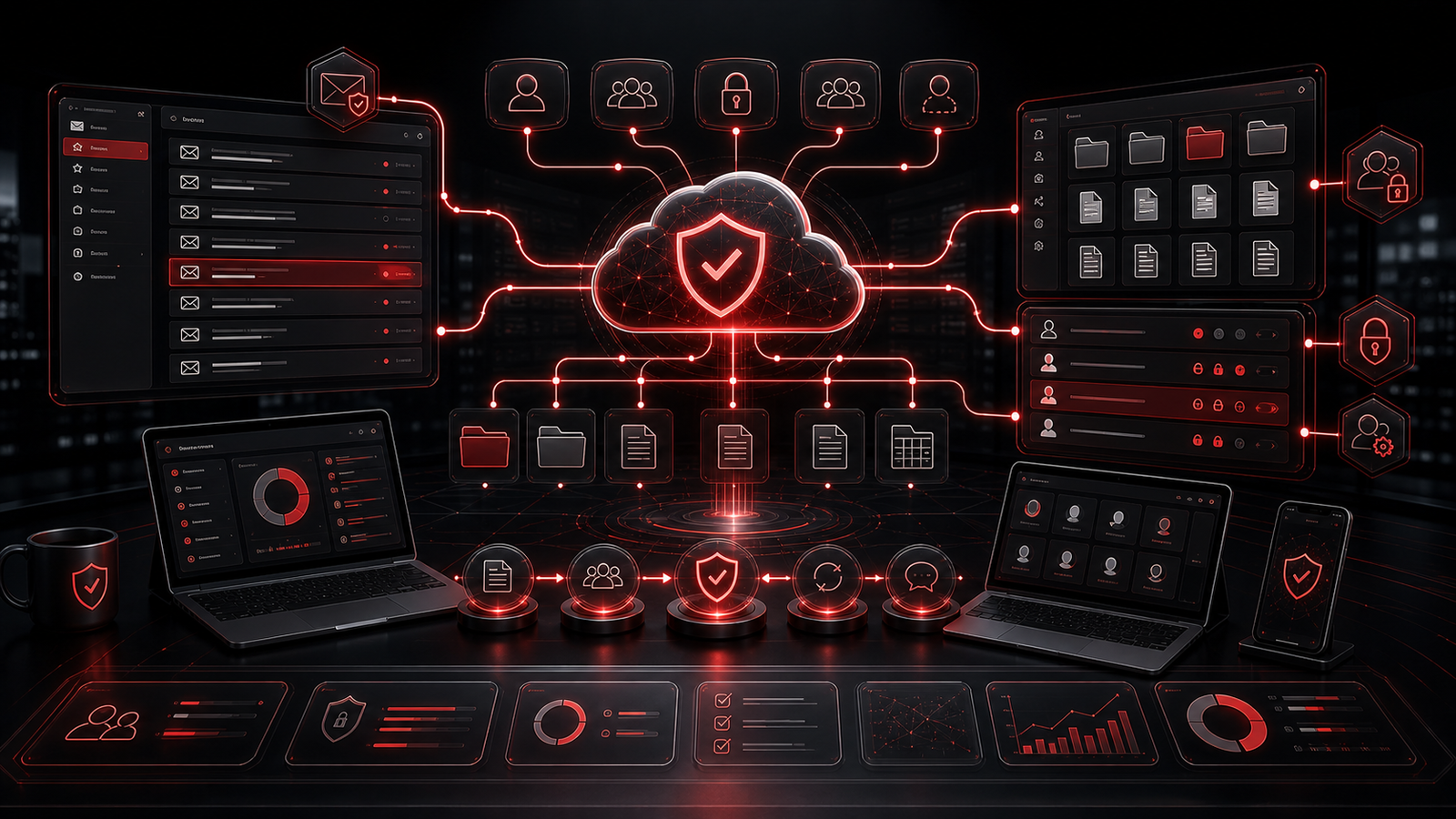
Microsoft 365 is more than email.
It often includes identity, Teams, OneDrive, SharePoint, calendars, file sharing, security settings, and administrator roles. That makes it a major part of both IT support and cybersecurity services.
A provider offering small business IT support should understand Microsoft 365 administration, licensing, user lifecycle management, mailbox protection, guest access, file permissions, and basic tenant hygiene. Without that oversight, small issues can build up quietly.
For example, external sharing may become too broad, old users may retain access, shared mailboxes may be poorly controlled, or administrator privileges may be assigned too casually. These are common operational problems that can become security problems.
Strong Microsoft 365 support gives the business more control over daily collaboration.
▸ Staff Need Clear Guidance
Security awareness should be useful, not intimidating.
Employees should know how to report suspicious messages, what kinds of requests need verification, who to contact when something seems wrong, and how to handle devices or accounts that behave unexpectedly.
The best guidance is simple enough to remember. Verify unusual payment requests. Report suspicious login prompts. Do not reuse passwords. Use approved tools. Ask before moving sensitive data into unfamiliar applications. Contact support quickly when something does not feel right.
This is where a responsive IT support partner matters. Staff are more likely to report issues when they know someone will respond clearly and without making the process painful.
▸ What to Ask a BC IT Support Provider
When comparing managed IT services or local BC IT support, ask practical questions.
Do cybersecurity services include account reviews, MFA, endpoint protection, email security, backup readiness, and Microsoft 365 oversight? Is support reactive only, or does the provider look for recurring risk? How are users onboarded and offboarded? Are devices documented? Are backups tested? Will recommendations be explained in plain business language?
The goal is not to find the provider with the longest list of tools. The goal is to find a partner that can reduce risk while keeping the business productive.
Red Shield IT supports Canadian businesses with managed IT support, cybersecurity, Microsoft 365 support, backup readiness, and business technology guidance. The focus is practical protection that fits real operations.
▸ Final Thoughts
Cybersecurity services for small business should be clear, useful, and connected to daily IT support.
For BC businesses searching for IT support, managed IT support, small business IT support, managed IT services, or local BC IT support, the right cybersecurity coverage should include secure accounts, protected devices, practical email security, backup readiness, Microsoft 365 oversight, and staff guidance.
Strong cybersecurity is not about overwhelming the business. It is about creating better habits, cleaner systems, and more confidence in the technology your team depends on every day.