

Most business owners understand that passwords matter, but credential hygiene is bigger than asking staff to choose something stronger. It is the operating standard behind who can access systems, how accounts are protected, how privileged access is handled, and how quickly the business can remove access when roles change.
For growing companies, this becomes important because the number of accounts expands quietly. Staff use cloud apps, Microsoft 365, remote access tools, finance platforms, shared folders, line-of-business systems, and vendor portals. If each login is handled as a separate decision, the business can end up with inconsistent protection, reused passwords, shared accounts, and unclear ownership.
Credential hygiene is not about making work harder. It is about creating a cleaner identity layer so staff can work confidently while leadership has better control over risk. Red Shield IT often frames this as a practical business standard: make secure access the default, document the exceptions, and keep the process simple enough that people will actually follow it.
▸ Why credential hygiene belongs in the business conversation
Access decisions affect operations, client trust, insurance discussions, compliance expectations, and incident response. If a former employee still has access to a shared inbox, if an admin account is used for everyday email, or if MFA is applied inconsistently, those are not just technical gaps. They are management gaps that can create confusion when the business is under pressure.
The goal is not perfection. The goal is visibility and consistency. Business owners should know which systems matter most, which accounts have elevated privileges, which users can access sensitive information, and how access is approved, changed, and removed. Once that picture is clear, the right improvements are usually more practical than dramatic.
▸ Start by reducing shared and reused passwords
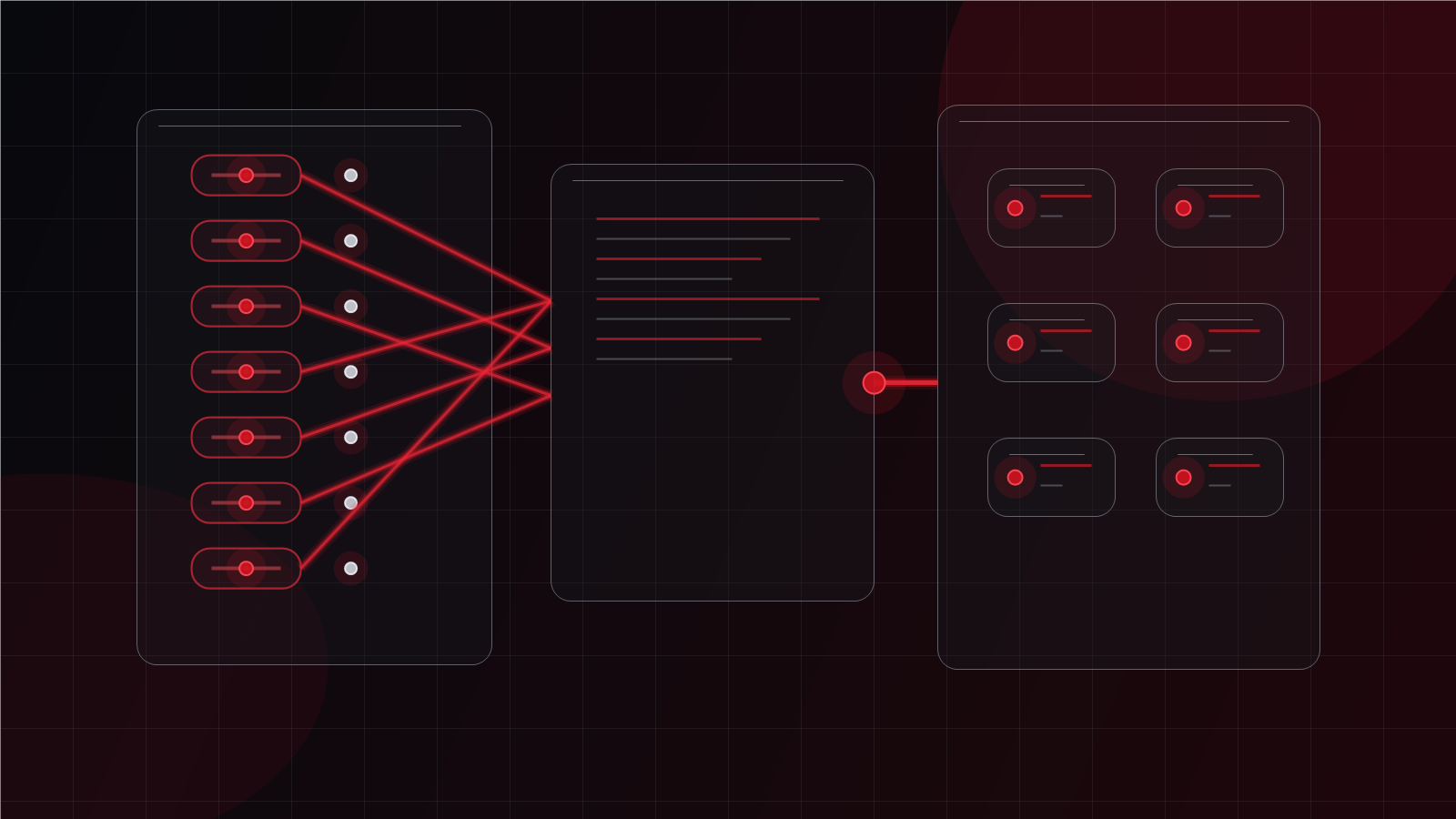
Shared passwords are common because they feel convenient. A team may share a vendor login, a device admin password, a social account, or an old mailbox because no one wants to slow down the work. The problem is that shared passwords remove accountability. When several people know the same credential, it becomes difficult to know who used it, who still has it, or whether it should be changed.
Password reuse creates a different issue. If one password appears across several services, one weak point can create access exposure elsewhere. Business owners do not need to memorize the technical mechanics behind every breach scenario to understand the practical risk: reused credentials make it easier for one mistake to spread.
A password manager can help, but it should be implemented with standards. The business still needs guidance on which passwords are stored, who can share what, how emergency access is handled, and when shared credentials should be replaced with named user accounts. Tooling is useful only when it supports a cleaner operating process.
▸ Make MFA consistent, not optional
Multi-factor authentication is one of the most practical access controls a business can use, but inconsistency weakens it. If MFA is required for some users but not others, or if administrators are protected while regular users are not, the business may still have exposed paths into important systems.
Consistency does not mean every system must be handled in the exact same way. It means the business should understand which systems require MFA, which methods are acceptable, how exceptions are approved, and how new staff are enrolled. Clear defaults reduce one-off decisions and make support easier.
Owners should also look beyond whether MFA is technically turned on. They should ask whether enrollment is documented, whether backup methods are controlled, whether staff know how to report suspicious prompts, and whether administrators have stronger protection than standard users. These are the operational details that turn a checkbox into a dependable control.
▸ Separate admin access from daily work
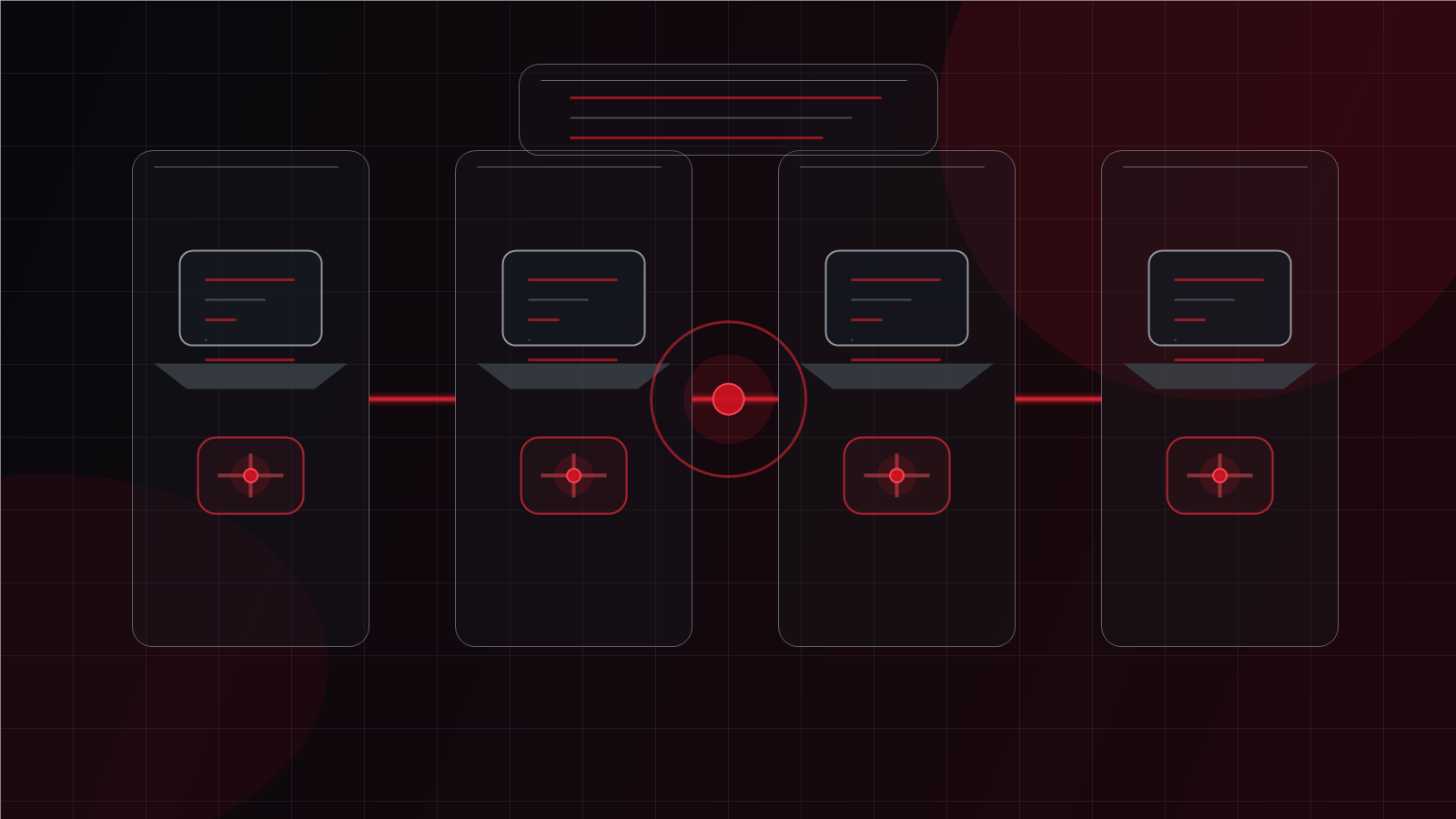
Administrative accounts deserve special attention because they can change settings, create users, reset access, adjust security controls, and sometimes affect large parts of the environment. When an admin account is used for everyday email or web browsing, the business increases exposure unnecessarily.
A cleaner model separates daily user work from privileged administration. Staff who need admin rights should use standard accounts for normal tasks and separate elevated accounts only when required. This makes access easier to review and reduces the chance that a routine mistake affects a high-privilege identity.
This is especially important in Microsoft 365, cloud platforms, remote access tools, and core business systems. Even smaller companies benefit from a basic admin access standard. The question is not whether the business is large enough for discipline. The question is whether important systems deserve more careful handling.
▸ Treat passkeys as a practical next step

Passkeys are becoming more common because they can reduce reliance on traditional passwords and make phishing harder in supported environments. For business owners, the important point is not to chase every new feature immediately. It is to understand where passkeys fit into a broader identity plan.
A practical approach starts with readiness. Which platforms support passkeys? Which users would benefit first? How would recovery work if a device is lost? What happens during onboarding and offboarding? How will the business document the process so support is not dependent on one person who understands the setup?
Passkeys can be valuable, but they should be introduced deliberately. A controlled pilot for key accounts or specific teams may make more sense than an unmanaged rollout. The business should treat them as another access standard, not a novelty.
▸ Build credential standards into onboarding and offboarding
Credential hygiene works best when it is part of normal staff movement. New hires should receive access through a repeatable process. Role changes should trigger access review. Departures should remove access promptly and confirm that shared credentials, mailbox delegation, device access, and cloud permissions have been addressed.
This is where documentation matters. If every onboarding or offboarding event depends on memory, the process will drift. A simple checklist can cover account creation, MFA enrollment, password manager access, device setup, permissions, admin role review, and removal steps. It does not need to be complicated to be useful.
Better credential hygiene also helps support quality. When access standards are clear, tickets are easier to resolve, new staff ramp up faster, and leaders get better answers about who can access what. That is a business outcome, not just a security outcome.
▸ How Red Shield IT can help create cleaner control
Red Shield IT helps businesses look at credential hygiene in practical terms: accounts, access, MFA, password manager use, admin separation, Microsoft 365 settings, onboarding, offboarding, and the support routines that keep everything consistent. The work is not about overwhelming staff with policy. It is about making secure behavior easier to follow.
For a growing business, the right next step is usually a review. Identify the systems that matter most, clean up obvious shared-account risk, make MFA consistent, separate privileged access, and document the process. Once those foundations are in place, newer options such as passkeys can be adopted with more confidence and less confusion.